
Having to juggle dozens of passwords can be very annoying sometimes. A lot of people end up reusing the same password. But this choice raises the danger of account damage. Because it becomes easier for hackers to unlock your account and personal information. Therefore, many people use different password managers. A password manager helps by keeping your login information safely. One of the simplest password manager tools is Dashlane. In this blog, we will teach you how to use Dashlane. This tool will enable you to defend your accounts with less effort. So, let’s get started.
What Is Dashlane?
Dashlane is kinda like a password manager. It keeps your passwords, payment info, and secure little notes all in an encrypted vault. This security vault will open by only one master password. Additionally, users don’t really have to hold everything in their head. Because now they only need one single strong master password. They can generate this password and secure all their data online. Also remember to vary tips: make sure to use separate, unique passwords for each of your accounts.
Why Use Dashlane?
- Firstly, it generates strong passwords.
- Secondly, it saves and even autofills your login details.
- Thirdly, it also gives you an alert if any of your passwords are weak or were compromised. So overall, Dashlane makes things more convenient while keeping your security much better.
Steps to Use Dashlane
Step 1: Create a Dashlane Account
- Firstly, go and download Dashlane on your computer or phone.
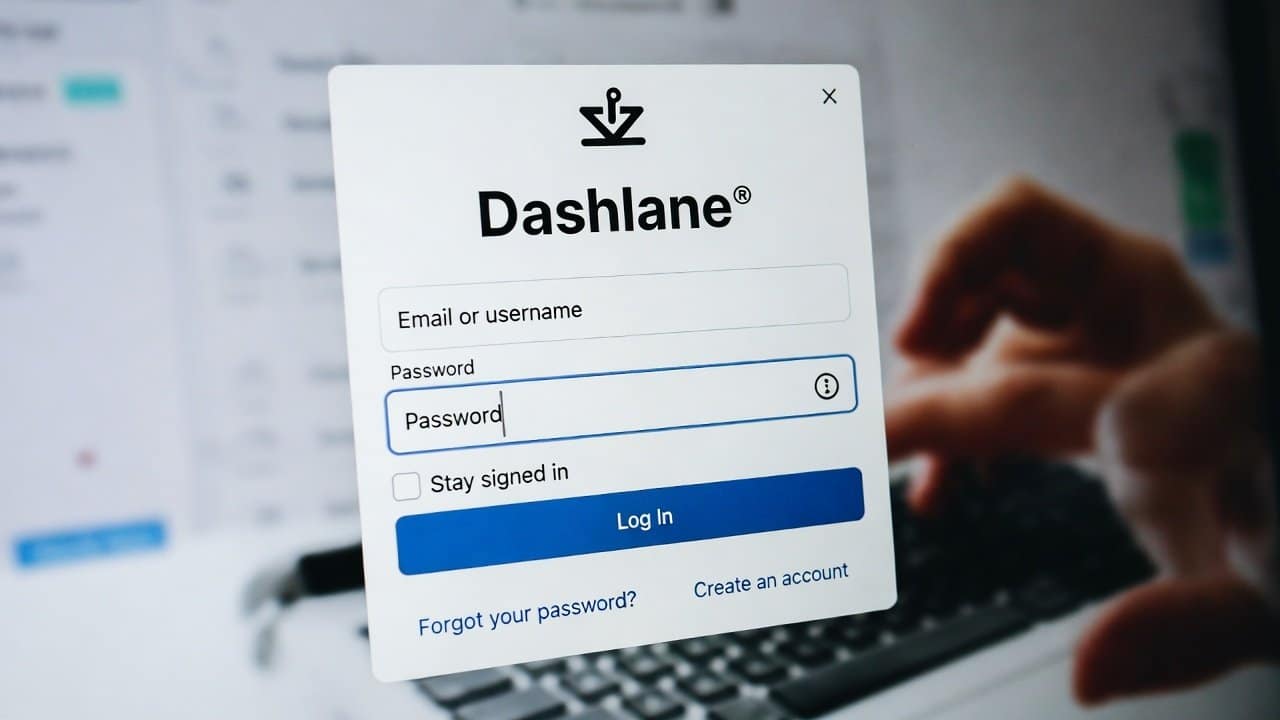
- Open the app and make an account using your email address.
- Then pick a strong master password.
- This one master password will protect your entire vault.
Step 2: Install the Browser Extension
- Secondly, Dashlane tends to work best when you use its browser extension.
- Users can install it in browsers like Chrome, Edge, or Firefox.
- After this, Dashlane is able to save passwords on its own and autofill them automatically whenever you log in to websites.
Step 3: Import Existing Passwords
- Thirdly, if you already saved passwords in your browser, then you can import them into Dashlane.
- This saves time, and it helps you in moving everything into one secure vault.
- After importing, make sure you look over your passwords and remove any duplicates.
Step 4: Save New Passwords
- Fourthly, when you sign in on a website, Dashlane will ask if you want to keep the login.
- You can click “Save,” and then the password gets stored safely and securely.
- After that, Dashlane should automatically fill it in for you whenever you need it.
Step 5: Generate Strong Passwords
- Fifthly, Dashlane comes with a built-in password generator.
- When you’re making a new account, use this tool and try to generate a password that’s strong.
- It helps lower the chance that your accounts get compromised or hacked.
Step 6: Check Password Health
- Sixthly, Dashlane looks through your saved passwords and then shows a few alerts like
- Weak passwords
- Reused passwords
- Compromised passwords
- Use those notices as a way to strengthen your general security.
Step 7: Enable Two-Factor Authentication
- Lastly, for extra protection, turn on two-factor authentication (2FA) for your Dashlane account.
- That means during sign-in you’ll need another check too.
- So your vault stays protected even if your master password is somehow exposed.
Tips for Better Security
To use Dashlane in a good way, follow these tips:
- Never share your master password.
- Pick unique passwords for every account.
- Check your security alerts regularly.
- Keep the app updated.
Conclusion
In conclusion, learning how to use Dashlane for beginners is a pretty good step toward stronger online security. It has things like password generation, quick autofill, and security monitoring stuff. Further, it provides protection that makes your accounts feel more simple. Also, by using Dashlane, you can have safer password management without all the hassle. So, go ahead and start using Dashlane today.