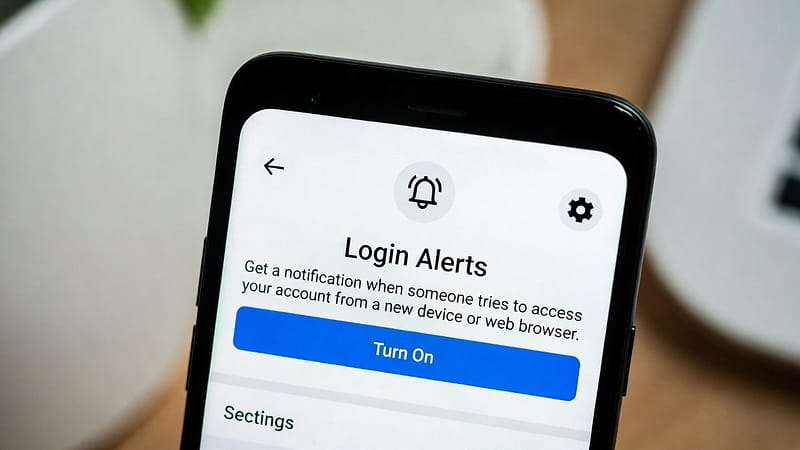

Social media accounts hold personal photos, private messages, and important contacts. If someone gains access to your account, they can misuse your information or lock you out entirely, and this has become increasingly common. Cybercriminals watch social media accounts constantly, and when they get an opening, they break in and use your information against you. Fortunately, both Facebook and Instagram offer login alerts that notify you whenever your account is accessed from a device you don’t recognize. In this guide, you will learn how to set up login alerts on Facebook and Instagram to protect your accounts. For more on this topic, browse our account security guides. Let’s get started.
How Login Alerts Work
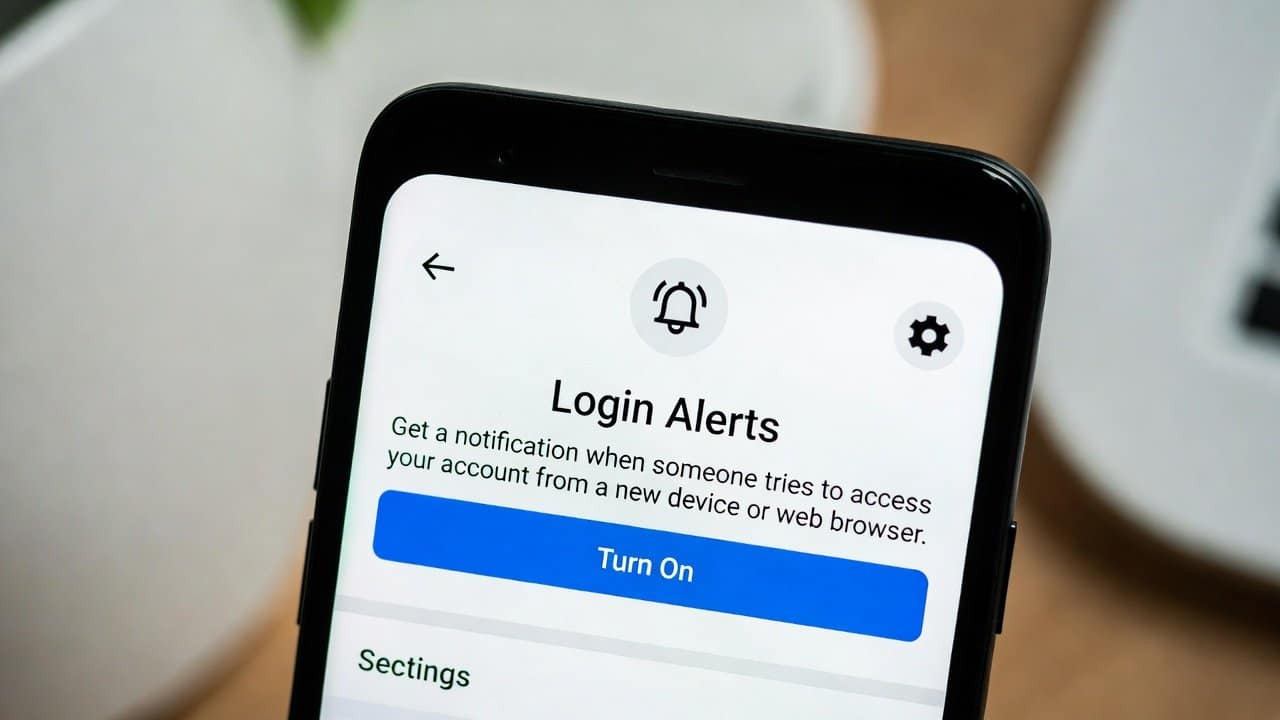
When an unfamiliar device ends up signing into your account, Facebook and Instagram usually send a notification. It may be inside the app, via email, or both at the same time.
These notifications often show the following:
- Device type
- An approximate location
- The time of login
How to Set Up Login Alerts on Facebook
Facebook makes it pretty easy to turn on security notifications.
Step 1: Open Settings
-
- Firstly, open Facebook.
- Then tap your profile picture.
- Go to Settings & Privacy.
- Then tap Settings.
Step 2: Open Security Settings
-
- Secondly, select Password and Security.
- Look for the section named Get Alerts About Unrecognized Logins.
Step 3: Choose Notification Methods
-
- Thirdly, turn on alerts using
-
- Facebook notifications
- Email notifications
- Pick both options for stronger protection.
Step 4: Save Your Settings
-
- Lastly, once you save it, your login alerts are live and ready.
How to Set Up Login Alerts on Instagram
Instagram has similar security options.
Step 1: Open the Settings.
-
- Firstly, open Instagram and jump to your profile.
- Tap the menu icon.
- Then pick Settings and Privacy.
Step 2: Go to the accounts center.
-
- Secondly, go to the Accounts Center.
- Then tap Password and Security.
Step 3: Turn on Login Alerts
-
- Lastly, choose Login Alerts.
- And switch notifications on for your account
Instagram should start warning you when it notices strange or unfamiliar logins.
What to Do If You Receive a Suspicious Alert
If you get an alert and you do not recognize the login:
- Firstly, change your password right away.
- Then log out of the other devices.
- Turn on two-factor authentication.
- Lastly, check the most recent activity.
Additional Security Tips
Login alerts can be useful, but they tend to work better when paired with other security measures.
For stronger protection, you can:
-
- Use a unique password that you don’t reuse.
- Enable two-factor authentication; here’s how on WhatsApp.
- Avoid phishing links or anything that looks fishy.
- Update your email account security.
Once alerts are switched on, it’s worth checking which devices are currently signed in to your accounts so you can remove anything you don’t recognize.
Conclusion
In conclusion, learning how to set up login alerts on Facebook and Instagram is actually a simple but powerful move. It keeps your social media accounts safe. Furthermore, these alerts let you spot odd sign-ins early. Additionally, users can respond before hackers manage to cause any damage or mess things up. So, turn on login alerts as soon as possible before any bad situation occurs.