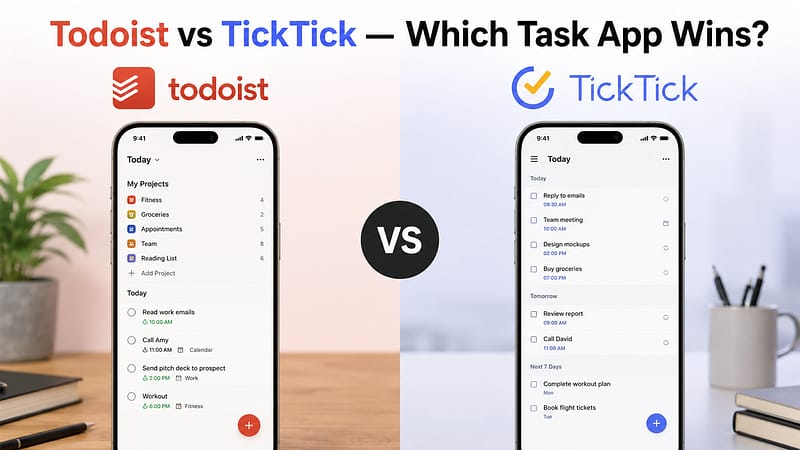

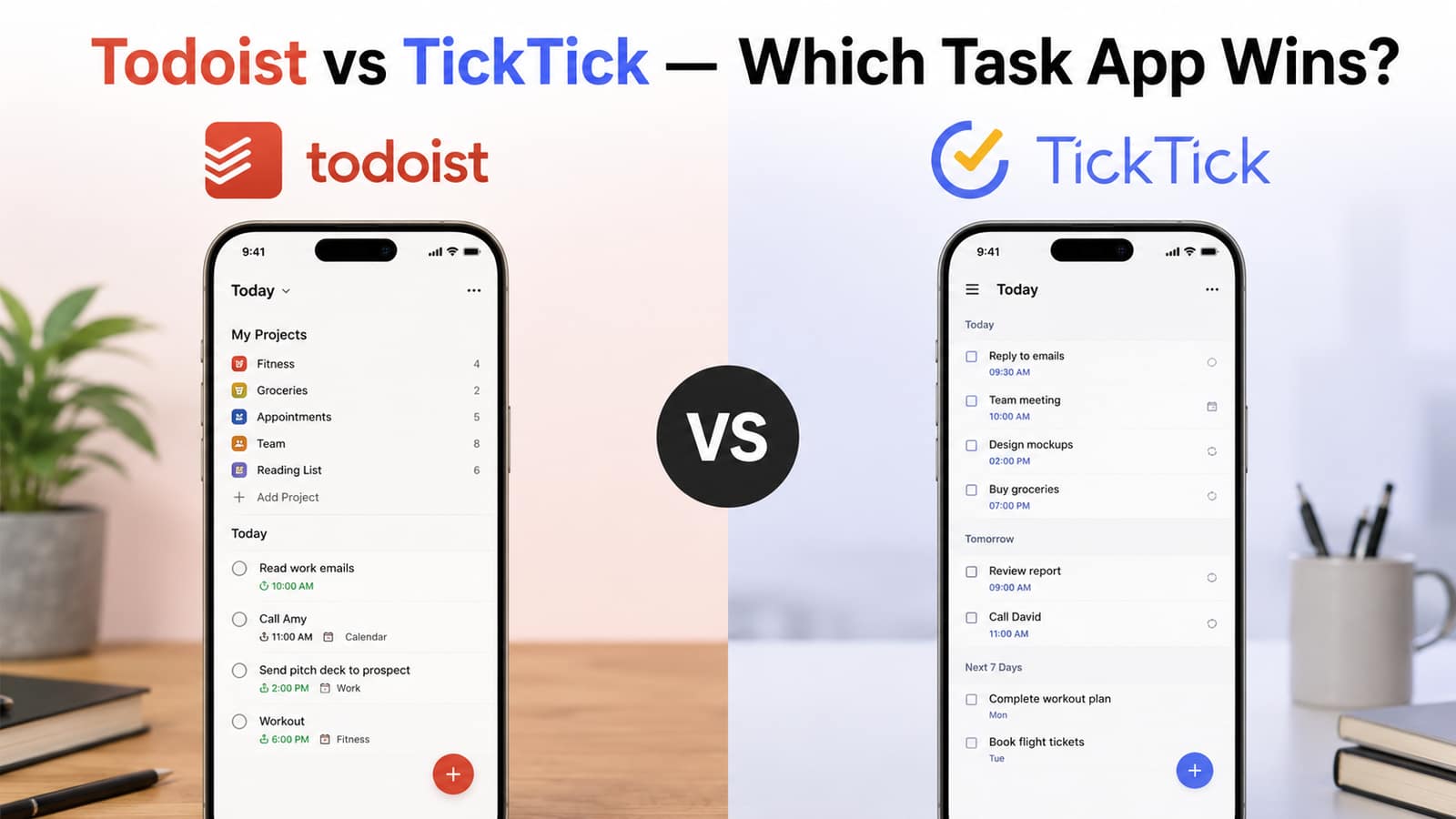
Staying organized is kind of easier when you actually use the right task management app. Two of the most popular choices are Todoist and TickTick. Both apps help you handle tasks, set reminders, and see progress across devices too. But still, it depends on different factors. Like, which one really fits your daily workflow? People sometimes feel confused about choosing between the two apps. In this guide, we will do an honest comparison of Todoist vs. TickTick to see which app wins. We will look at features, pricing, how simple it feels to use, and the overall value. For more on this topic, browse our our reviews.
Key comparison: Todoist vs. TickTick
1. Ease of Use
- Todoist is kind of famous for its clean, simple look. Additionally, users can add tasks fast, set up projects, and keep things organized using labels and filters.
- TickTick also has a smooth interface, but there are more built-in tools in it. Though that extra capability is great, at the beginning the whole app can feel a bit more active.
- If you really want a minimalist kind of experience, Todoist just feels more streamlined.
2. Core Features
- Todoist has basically all things in one place. It includes:
- Projects and sub-projects
- Priority levels
- Labels and filters
- Natural language task entry
- Shared projects
- TickTick includes all the above, but then it also adds:
- Calendar view
- Habit tracker
- Pomodoro timer
- Eisenhower Matrix.
- So, as a result, TickTick ends up giving more features in one app.
3. Task Management Experience
- Furthermore, Todoist tends to focus on speed and also on plainness. This makes it feel kind of easy to use. Also, it is great for people who want a distraction-free task manager and nothing more.
- TickTick mixes task management with productivity tools. So, it is probably the best option if you’re looking for scheduling and “focus” features. It reduces the need for extra separate apps.
- Both apps, of course, allow recurring tasks, reminders, and collaboration.
4. Pricing
- Todoist has a free plan with different features. It does not make you feel too limited right away. The premium tier unlocks reminders, advanced filters, and more collaborative things.
- Then, TickTick also brings a solid free version. But when you go premium, it includes the calendar, habit tracking, and advanced views, providing you the whole set.
- In general, TickTick seems to offer more functionality for the price, more or less always.
5. Cross-Platform Support
- Both apps work on:
- Windows
- Mac
- Android
- iPhone
- Web browsers
- Your tasks sync automatically so you can stay organized everywhere.
6. Collaboration and Sharing
- Todoist is really strong for team collaboration and shared projects. Also, this makes it workable for freelancers and small teams. It has this way of keeping everyone on the same page for smooth working.
- TickTick can be shared too; it does that, though it feels more aimed at personal productivity. It is basically for solo planning and daily tasks.
- So if teamwork is your priority, Todoist is a better option.
Best for Different Folks
- Go with Todoist if you:
- Like a clean interface, and you really care about collaboration.
- Need those strong filters and labels.
- Pick TickTick if you:
- Want a calendar that’s already inside the app.
- Like habit tracking, and you actually use it.
- Need a Pomodoro timer, like for focused sessions
- Honestly, your ideal app depends on your needs and focus.
Conclusion
In conclusion, this blog on Todoist vs. TickTick provides a whole comparison for the two apps. Both apps are excellent and pretty reliable. Users can’t really go wrong with either one. Both have their own capabilities and flaws. Therefore, users should first try the free versions of both and check which one suits their workflow better. Lastly, the right task app can save time, ease your stress level, and help you stay productive every single day.