

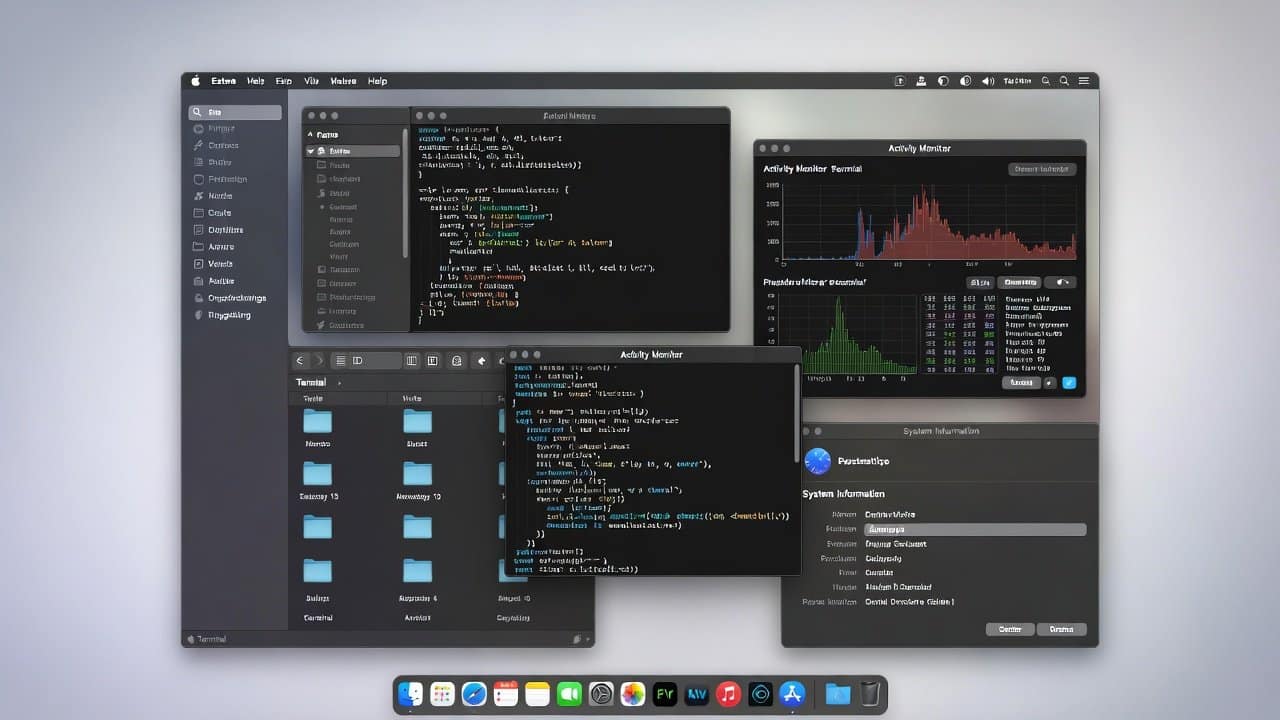
macOS has always been easy to use when its users utilize it for different operations to perform. Despite its initial appearance, macOS boasts a simple and clear design. However, if we delve deeper into its inner workings, we uncover some astounding hidden features. The operating system of macOS provides users with such amazing hidden features that most users do not know how to access or use them. On the other hand, power users love these hidden features because they save time, reduce clicks, and boost focus. In this blog, we will discuss some of the most useful hidden features that will help you reduce your workload and automate your tasks. So, let’s get into it!
macOS Hidden Features
The following are the best macOS hidden features that you can use while doing your work.
1. Quick Look
- Firstly, the most hidden feature of macOS is Quick Look.
- While many individuals utilize Quick Look to preview files using the spacebar, its true power is often overlooked.
- But only a few know how powerful it really is.
- This system allows you to preview multiple file types at once, including PDFs, videos, images, and code files.
- The preview allows users to scroll through content and watch media and extract text. It enables you to maintain your workflow.
2. Spotlight
- The second feature is the spotlight.
- People use Spotlight as a simple searching tool.
- But actually, this system functions as a central command hub.
- It allows users to open applications, do basic arithmetic operations, perform unit conversions, check weather information, and conduct document searches.
- Its system becomes faster with time because it learns users’ usage patterns.
3. Hot Corners
- The third hidden feature is hot corners.
- It provides users with the ability to activate functions through mouse movement to screen corners.
- This feature allows you to display the desktop, lock your screen, and access Mission Control with a single command.
- Hot corners work best when users need to handle multiple tasks at the same time.
- This feature enables you to work at a faster pace because it removes unnecessary steps that you need to complete.
4. Built-In Screenshot
- At fourth place comes the built-in screenshot feature.
- This advanced screen-capturing feature of macOS remains unused by most users.
- Many users neglect this feature without realizing how useful it can be.
- Use command + shift + 5 to get access to the full control panel.
- It enables you to record your screen, while you can set time intervals and select your file storage locations.
5. Trackpad Gestures
- At fifth place come the trackpad gestures.
- Power users, lovers, rely heavily on trackpad gestures.
- It enables app switching, desktop access, and content zooming through basic swipe gestures.
- These gestures enable users to control their devices through natural movements while decreasing their need for keyboard input.
6. Smart Folders
- The sixth hidden feature of macOS is Smart Folders.
- These are some of the most underrated macOS features.
- It establishes rules to automatically organize your files instead of performing manual file sorting. The system lets you create groups that automatically categorize all PDFs and recent downloads.
- These folders maintain organization because they refresh their content during every moment.
7. Text Replacement
- Lastly comes the text replacement feature.
- Many people waste their time by typing identical phrases multiple times.
- But text replacement provides the solution to this problem.
- Users can create short triggers, which will transform into complete sentences.
- Users can enter “email” to automatically generate a complete email address.
- The writing process becomes both quicker and more precise.
Conclusion
In conclusion, these macOS hidden features now improve work performance and create smoother and faster work processes. They are powerful tools that enable users to perform their tasks more effectively. Furthermore, these tools enable you to maintain your focus while keeping your tasks organized throughout the day. These features serve as essential knowledge for both beginners and experienced users. So, start using these features now so that you can quickly experience why power users rely on macOS every single day.














