

There are a lot of cyber crimes happening around the internet. Therefore, the importance of online privacy is becoming a necessity. And it will continue to grow with each passing day. Public Wi-Fi usage and internet browsing activities result in tracking or data exposure for users. It tracks their users’ data about their financial settings, video and audio, etc. Therefore, users now choose VPN services as their solution for maintaining online security. In this blog, we will show how to set up a VPN on Android for free through its simple process, which users can easily follow. So, let’s get started.
What Is a VPN?
VPN stands for Virtual Private Network. It provides protection for your internet connection. It did this through its encryption and IP address masking features. The system creates two main results from its operations.
- It enables users to access content that is normally restricted.
- It provides users with a safer and more secure browsing experience.
Steps to Set Up a VPN on Android for Free
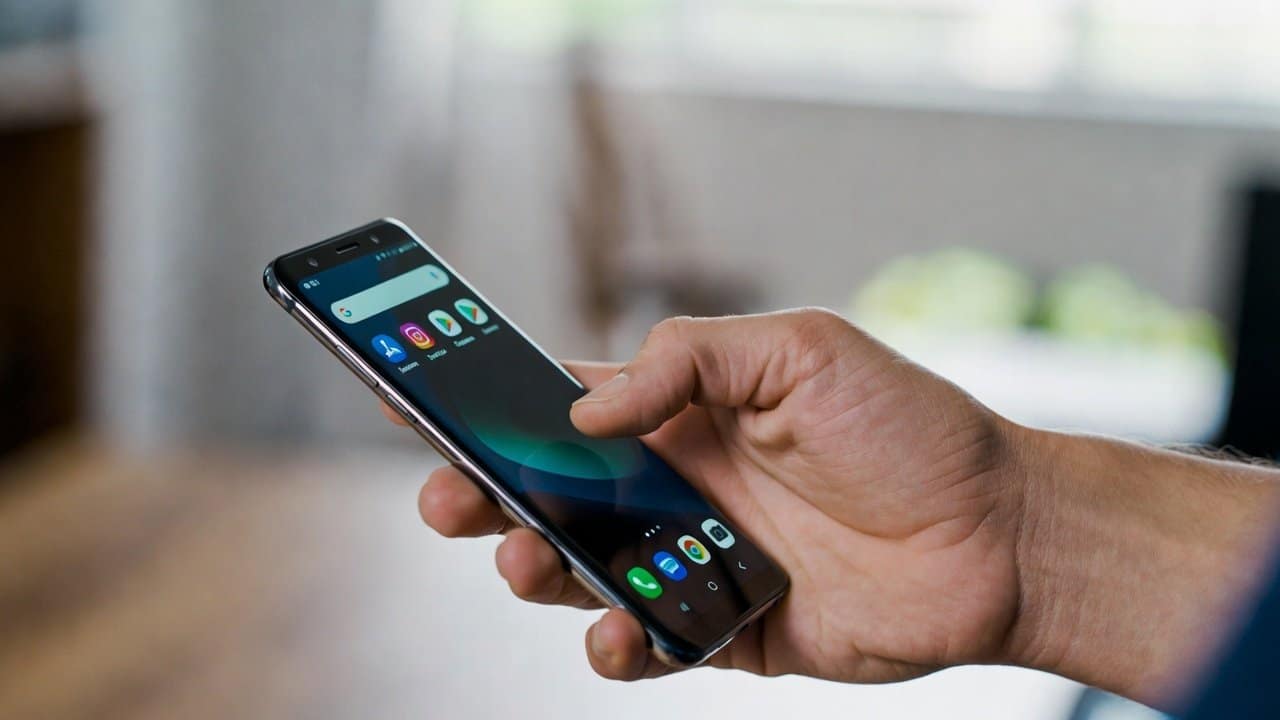
Step 1: Install the VPN app.
- Open the Google Play Store.
- Search for your chosen VPN app.
- Click on the “Install” button to start downloading the application.
- Then open the application after it has been installed.
Step 2: Create an Account
- Most VPN applications need users to create an account before they can access the service.
- The user needs to add their email address.
- And then create a password.
- Certain applications allow users to access their features without needing to create an account.
Step 3: Connect to a Server
- After this you will see a list of available servers at this moment.
- The next step is to select from the available free server locations.
- Select the “Connect” button to proceed.
- The application will ask for authorization to create a VPN connection.
- Then select “Allow” to proceed.
- The system protects your internet activities after you establish the connection.
Step 4: Verify Connection
- The VPN connection shows a VPN icon, which appears in your phone’s status bar.
- The active status of your VPN connection gets confirmed.
- The internet browsing becomes secure for you to use now.
Alternative Method: Built-in VPN Setup
Users can set up virtual private networks through Android’s built-in manual configuration. Users should follow these steps to create a VPN connection.
- Go to the Settings menu.
- Select the Network & Internet option from the menu.
- Choose the VPN option.
- Then select Add VPN from the menu.
- Enter the server information that the VPN service has given them.
This method requires all technical specifications, which the VPN provider needs to share.
Benefits of using a free VPN on Android
- • A VPN provides privacy protection that requires no financial investment.
- It protects user security when you use public Wi-Fi networks.
- It allows users to view content that their location-based restrictions normally block.
Therefore, it is important to select a trustworthy VPN provider who will protect users from potential dangers.
Limitations of Free VPNs
Free VPN services provide their users benefits, but they also come with specific limitations, which include
- Slower speeds
- Limited server options
- Data usage restrictions.
Conclusion
In conclusion, the process to set up a VPN on Android for free is so simple that everybody can do this. Free VPN installation on Android devices extends online privacy protection to users. Additionally, their data remains protected, and users can browse the internet easily and safely. Also, it is important to select a trustworthy VPN service. So, complete its installation steps to achieve secure web browsing on your Android devices.