
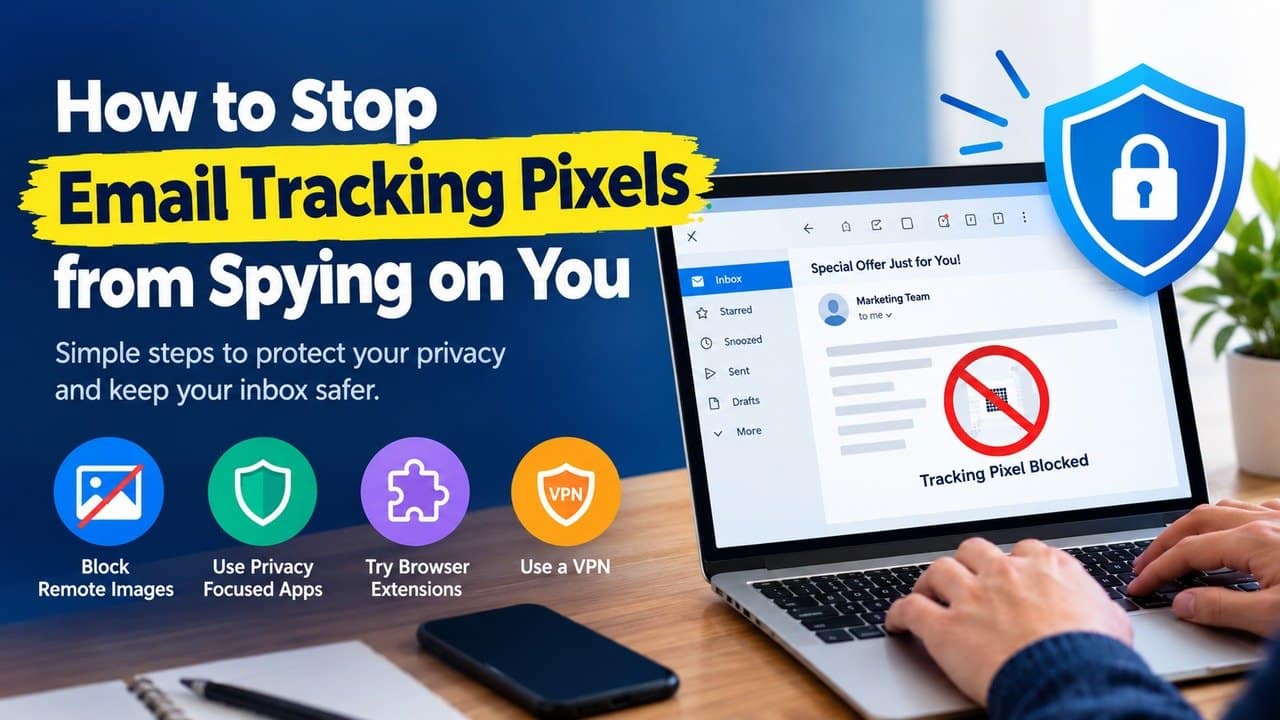
Email tracking pixels are used to monitor what you do with the emails you receive. They are tiny invisible images embedded in a message, and they let the sender see when you opened it, which device you used, and in some cases your location. People who want to protect their privacy need to know how to stop email tracking pixels from spying. In this guide, we will share some simple methods to stop these tracking pixels. So, let’s get into it.
What Are Email Tracking Pixels?
Tracking pixels are tiny, hidden images embedded in emails. They are usually a single pixel wide, which makes them invisible inside the message. When your email app loads the image, it sends information back to the sender such as
- Whether you opened the email
- The time you opened it
- Your IP address and location
- The device you used
As a result, marketers and spammers can monitor your behavior.
Methods to Stop Email Tracking Pixels
The following steps will help you in stopping email tracking pixels.
1. Disable Automatic Image Loading
- The simplest method to disable tracking pixels is to configure the email software to prevent automatic loading of remote images.
- Most email services allow this setting.
- In Gmail users have the option to request permission before their system shows external images.
- The tracking process stops through this basic modification.
- This method prevents multiple tracking pixels from operating.
2. Use Privacy-Focused Email Apps
- Some email apps automatically block trackers.
- The following email services provide users with privacy protection:
- Thunderbird
- Proton Mail
- HEY email.
These tools provide protection against hidden tracking, which attempts to monitor your inbox.
3. Enable Built-In Privacy Features
- Many modern email services include privacy protections.
- The Apple Mail service provides Mail Privacy Protection.
- It blocks your IP address and stops all tracking activities.
- Users should activate these features whenever they become accessible.
4. Use Browser Extensions
- If you read email in a browser, browser extensions that block trackers add another layer of protection.
- The tracker blocker tools detect hidden pixels, which they can block.
- This system establishes an extra security measure that protects your email inbox.
5. Be Careful with Marketing Emails
- Promotional emails are more likely to contain tracking pixels.
- Users should unsubscribe from all newsletters and marketing lists that they do not require.
- This process decreases both tracking activities and the number of emails in the inbox.
6. Use a VPN for Extra Privacy.
- A VPN service protects your IP address.
- VPN makes it difficult for people to track your physical whereabouts.
- It prevents pixel tracking through its restriction of data collection from those pixels.
7. Keep Your Apps Updated
- Security and privacy features continue to advance throughout time.
- The latest security updates become available through the ongoing email application and browser updates.
Conclusion
In conclusion, understanding how to stop email tracking pixels from spying on you can protect your data. It helps you to take control of your inbox and personal data. Users can disable automatic image loading, can focus on private email applications, and can use built-in protection features. It enables users to prevent most tracking attempts. So, start using these methods to enjoy a more private email experience.