

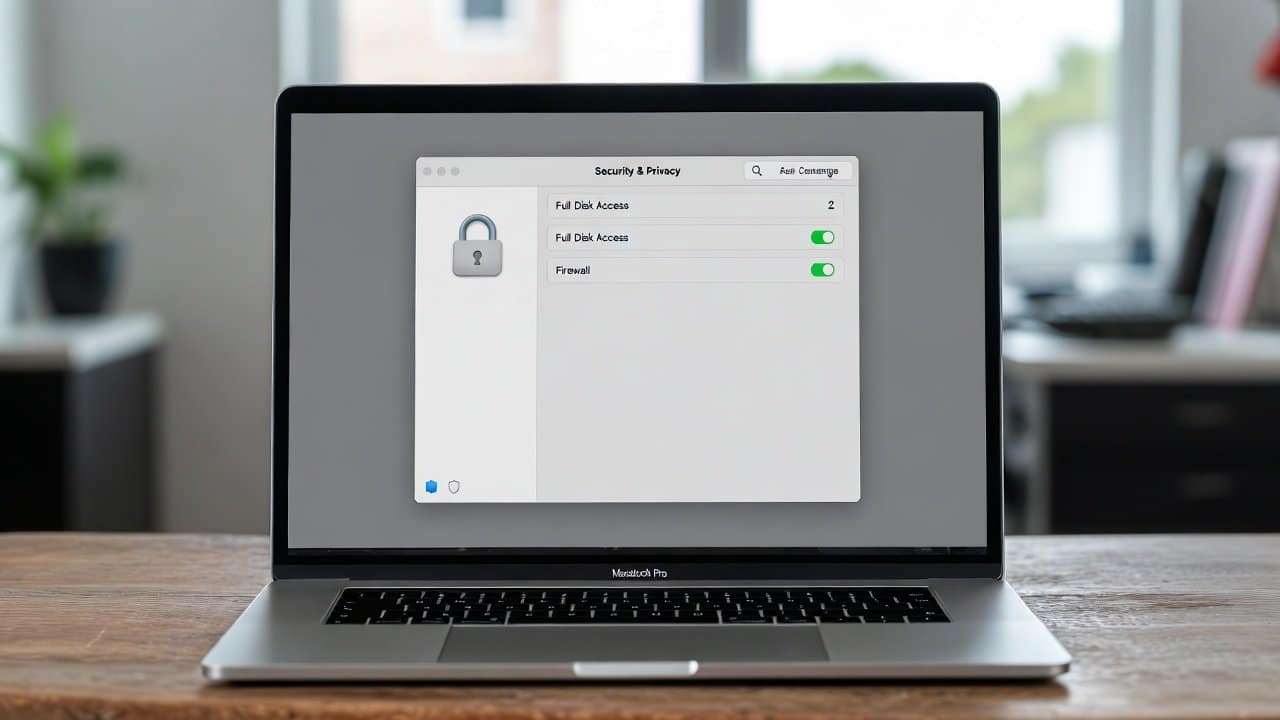
Mac offers the most advanced settings in its system. And because of this the majority of people think that Macs function as virus-free systems. Although Macs provide better protection against security threats than most other systems, they remain vulnerable to attacks. Because of it, cybercriminals now actively seek to access macOS systems that their users operate. Therefore, users need to learn about Mac security measures because malware attacks have reached their highest threat level. A single malware attack can put all of your personal and work-related data at risk. In this blog we will share some effective methods for how to secure your Mac from malware. So let’s get started.
Methods to Secure Your Mac from Malware
These are the following most effective methods that users can use to protect their Mac from any sort of malware attack.
1. Keep macOS Updated at All Times
- First of all, always remember to update your Mac software.
- Apple releases security patches, which protect against software weaknesses.
- The risk of an attack increases when users often delay their software updates.
- It happens because hackers target their outdated systems.
- Go to System Settings, then General, and finally Software Update to activate automatic updates for your system.
2. Enable Gatekeeper Protection
- Secondly, the Gatekeeper system functions as an important security feature of macOS.
- It helps prevent unauthorized applications from accessing your Mac system.
- It allows only those applications that developers have verified and that the App Store provides to users as their default access.
- This protects your Mac from dangerous software installations through this security measure.
- To enable this, go to System Settings, then to the Privacy & Security section, and then to Gatekeeper settings.
3. Use Built-in Malware Protection
- Thirdly, macOS provides background security protection through its built-in tools XProtect and MRT.
- These tools perform automatic malware detection and removal of all recognized threats.
- This system functions at its highest efficiency when all parts receive the latest updates.
- Therefore, always maintain your macOS system updates to ensure proper software operation.
4. Avoid Downloading Apps from Unknown Sources
- Fourthly, cracked and unofficial software serve as common hiding spots for malware.
- Therefore, users should obtain their applications from either the Mac App Store or core developers.
- Any website that demands users turn off their protection measures shows a serious security risk.
- If this happens, exit the current webpage without delay.
5. Be Careful with Email Attachments and Links
- Fifthly, phishing emails are the main source for most malware attacks.
- Avoid opening attachments or clicking links that come from unknown senders.
- The sender’s address needs verification even when the email appears authentic.
- If you have any doubts about such an email, delete that message right away.
6. Turn On Firewall Protection
- Sixthly, the firewall built into macOS protects your system from unauthorized network access.
- Go to System Settings, then Network, and then Firewall.
- This method establishes an additional protection barrier.
- It prevents hackers from obtaining remote access to your Mac.
7. Use a Strong Password and Touch ID
- Lastly, a weak password makes it easier for malware or attackers to access your system.
- Use a strong password that requires letters, numbers, and symbols for access.
- It prevents unauthorized access and protects your information.
Conclusion
In conclusion, these methods secure your Mac from malware without requiring any specialized technical abilities or additional software tools. Users can maintain their Mac security through different methods. They can use system updates, built-in security features, safe downloading practices, and intelligent browsing behavior. The security of your Mac, together with your personal information and your mental well-being, deserves your attention. So never compromise on securing your mac from any malware attack.














