

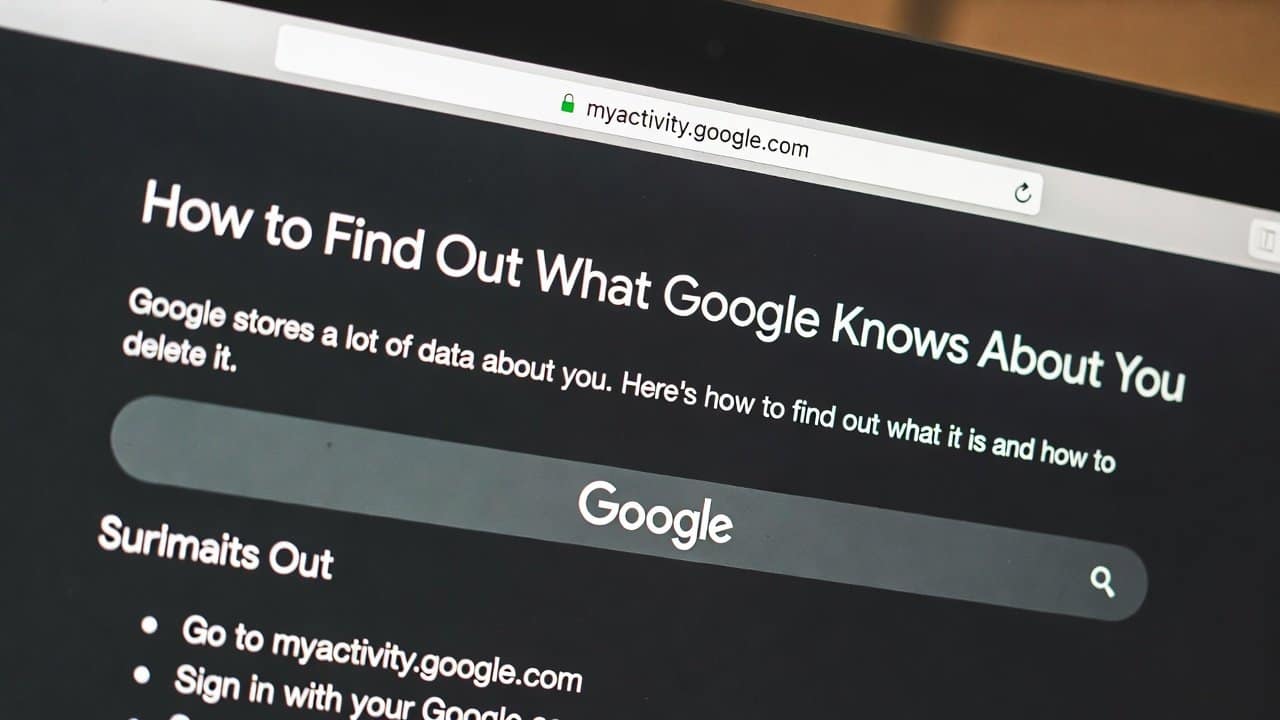
The Google search engine collects data about your activities. It collects your data through every search you make, every video you watch and every location you visit. Additionally, it treats your data as an advantage for itself, but at a certain point it creates privacy risks for users. It uses their personal information. And with involvement of their party, their personal data can get leaked. It in turn affects their users’ privacy online. But now there are certain ways that enable users to access and manage their personal information. In this blog, we will show you how to find out what Google knows about You through easy methods. For more on this topic, browse our data privacy guides.
Why Does Google Collect Your Data?
Google collects user data to create personalised experiences for their users. Its system uses this information to deliver search results, advertisements and product recommendations that match their user needs. Furthermore, it supports service development by providing information about different tracking features. This information enhances the functionality of maps, email and video recommendation services. Additionally, users must accept activity tracking. It is because they want to use this feature for their own assistance.
Methods to Find Out What Google Knows About You
1. Check Your Google Account Dashboard
- First go to your Google account dashboard.
- The Data & Privacy section of your Google account provides complete activity information about you.
- The following items are included in this collection.
- Your search records.
- Watch history from YouTube.
- Geographic location information.
- recorded activities from applications.
- This section shows you all stored information about yourself.
2. Use Google Activity Controls
- Secondly, use Google activity control.
- Go into Activity Controls.
- This section shows users all available options, which they can use to manage. It includes:
- Web activities
- Application activities
- Track your location history
- YouTube viewing history.
- Users have the ability to stop or disable all available options.
3. View Your Data in Google Takeout
- Thirdly, another useful tool is Google Takeout.
- This tool provides users with the ability to download their personal information.
- Additionally, users have the option to choose their preferred export format, which includes:
- Emails
- photos
- Search history.
- This application shows users which information Google keeps about them.
4. Check Ad Personalisation Settings
- Fourthly, your data gets used by Google to deliver customised advertisements.
- To set this, users have to review their ad settings information.
- The Ad Settings page allows users to view their current interests and preferences.
- Users can disable ad personalisation through this option.
- It enables you to control your data usage preferences.
5. Review Devices and Login Activity
- Fifthly. Users should check which devices are connected to their account.
- The Security section allows users to verify their current active devices and see their recent login history.
- Users should remove any unrecognised device from the system.
6. Delete Your Activity
- The process of deleting stored data is simple, and users can remove it easily.
- Google allows users to:
- Delete specific searches.
- Clear activity by date.
- Automatically delete data after a set time.
- This helps reduce the amount of stored information.
Tips to Protect Your Privacy
To maintain your safety, users should follow these safety tips:
- Firstly, create passwords that offer maximum security.
- Secondly, activate two-factor authentication (2FA) protection.
- Thirdly, check your account activity at regular intervals.
- Fourthly, restrict your data sharing preferences to minimum requirements.
Conclusion
In conclusion, if you want to protect your privacy from Google, then you should know about what Google is collecting about you. There are different methods that will help users to find out what Google knows about them. Furthermore, Google gathers extensive information but offers users tools to control their data. Additionally, users can manage their data by checking their dashboard, reviewing their activities and changing their preferences. So, protect your online privacy by following these methods to save your personal data.














