
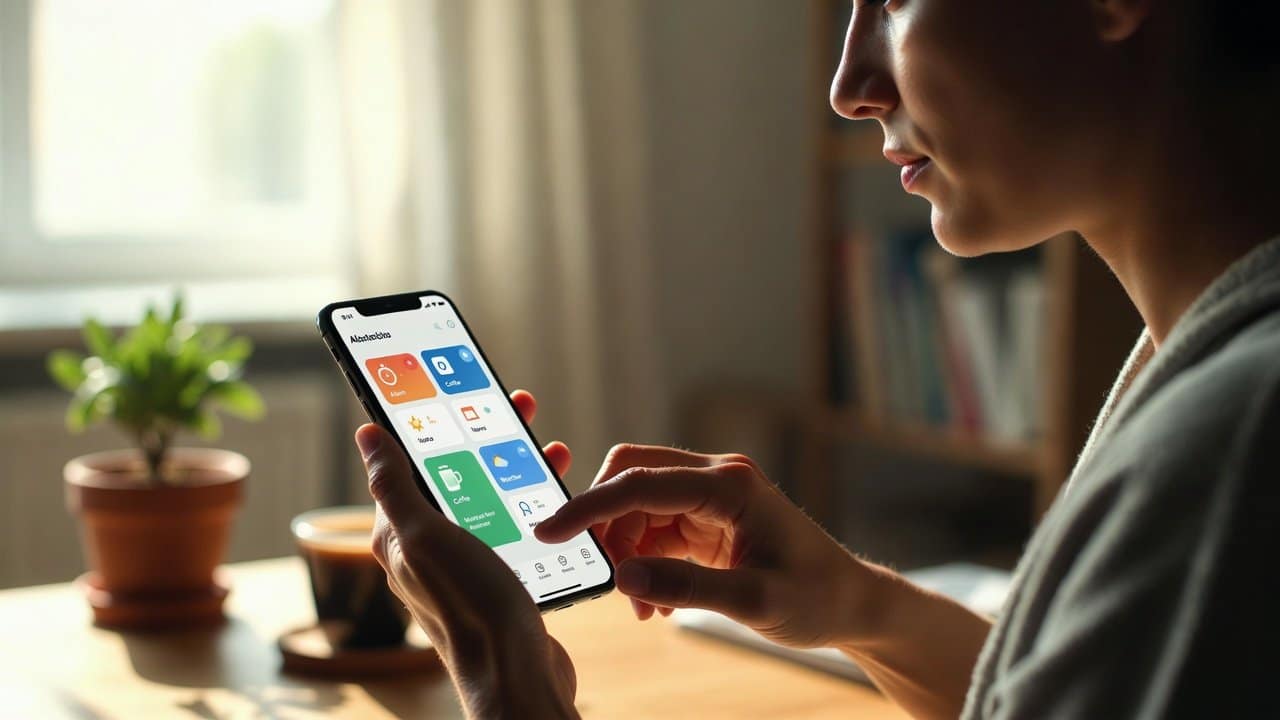
Having a good morning routine has many benefits. It will lead to better concentration results, increased energy levels, and enhanced work output. Sometimes the majority of people waste their morning hours by checking notifications and creating reminders and arranging their tasks. But now your smartphone has the ability to automate multiple tasks that you need to perform throughout the day. In this guide, we will teach you how to create a morning routine automation with your phone by using basic tools and advanced features. For more on this topic, browse our productivity automation guides.
Choose an Automation App
To start the automation process, users need to select an automation application.
The following options are commonly used by people:
- Google Assistant
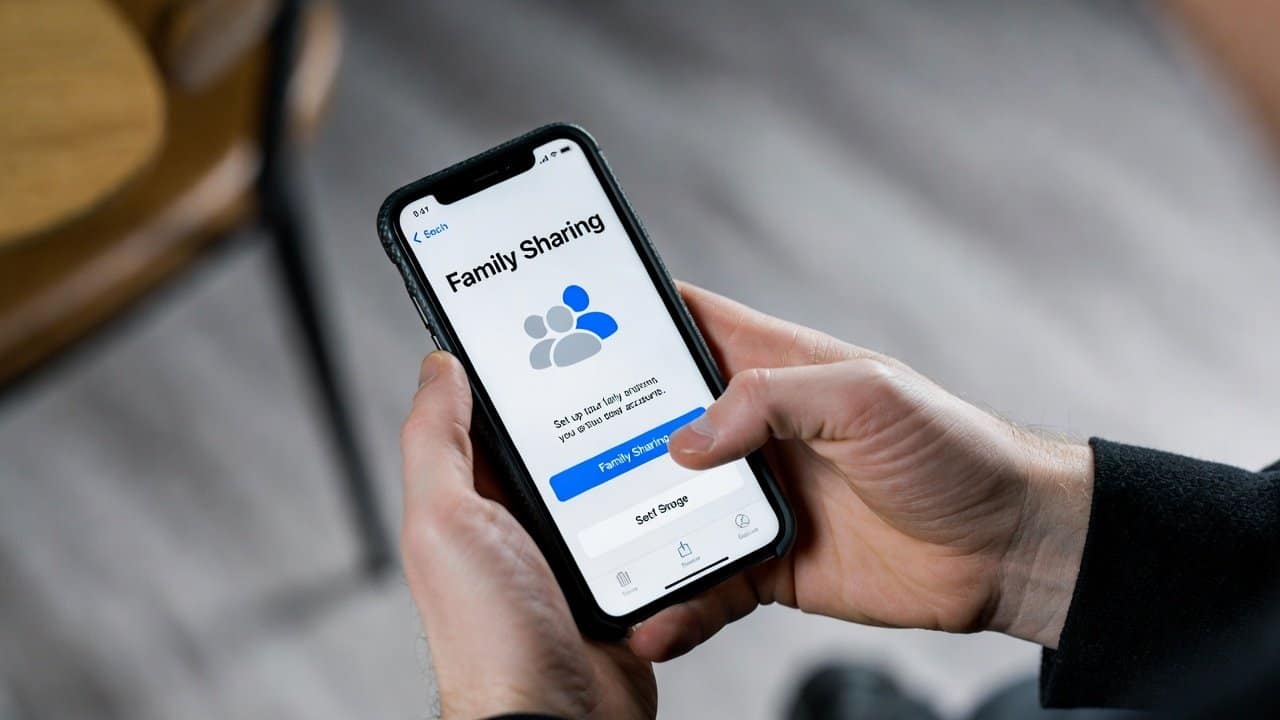
- Apple Shortcuts
- Tasker
It enables your phone to carry out tasks automatically according to scheduled times or specific user actions.
Steps to Create a Morning Routine Automation with Your Phone
Step 1: Set an Automatic Alarm Routine
- Firstly, set up an automated system for waking you up.
- The system you build will perform three tasks.
Disable silent mode.
Play your most preferred songs.
Provide weather information by reading it aloud.
- It will announce upcoming calendar events through audio.
- This enables users to begin your day with essential details from the very start of your day.
Step 2: Automate Your Morning Playlist
- Secondly, music has the ability to boost your mood while increasing your energy level.
- Your phone can play a playlist automatically when your alarm stops.
- Apple Shortcuts and Google Assistant can connect with music apps, which include Spotify and YouTube Music.
- The process creates an enjoyable morning experience for people.
Step 3: Turn On Focus Mode Automatically
- Thirdly, people lose their ability to work when they face interruptions during their morning hours.
- This system allows users to program Focus Mode and Do Not Disturb.
- It is done to silence social media alerts, which will interrupt their morning activities.
- Users can maintain their concentration on essential work because this tool prevents them from using applications.
Step 4: Get Automatic Weather and News Updates
- Fourthly, your automation system has the ability to access weather predictions and traffic information.
- It can also send crucial alerts to users.
- Also, it allows users to display weather forecasts and traffic conditions so that they do not get stuck in any problem.
Step 5: Automate Smart Home Devices
- Fifthly, your phone can control smart home devices through your smart home devices.
- They can automatically:
- Turn on lights
- Start a coffee machine
- Adjust room temperature
- It provides your mornings with better comfort and creates more efficient morning activities.
Step 6: Create a Daily Task Reminder
- Sixthly, users should use automation tools to show the daily objectives that they need to complete every day.
- Your phone can show:
- Work tasks
- Study plans
- Exercise reminders
- This keeps your day organized from the start.
Step 7: Use Voice Commands
- Lastly, voice assistants make it simpler to perform automated tasks.
- Users can say commands like:
- “Start my morning routine”
- “Read today’s schedule.”
- Their phone will perform multiple actions instantly.
Conclusion
In conclusion, learning how to create a morning routine automation with your phone has become an easy task due to advanced technology. This technique helps users to start their day with decreased stress and increased mental focus. Moreover, applications like Apple Shortcuts, Tasker, and Google Assistant can be very helpful in creating such routines. They will enable users to automate their daily tasks within a few minutes. So, if you also want to experience a more intelligent and efficient morning time, start creating a morning routine automation.