
There is a time when developers have to write whole code to generate the landing page. It is because creating a landing page used to require coding skills and expensive tools. But now, with the advancement of AI, the situation has changed. Today people can create professional landing pages that appear clean without needing to write any code. The best tool for this purpose is Carrd. In this guide, we will show you how to build a landing page with Carrd for free using a simple and effective method. So, let’s get started.
What Is Carrd?
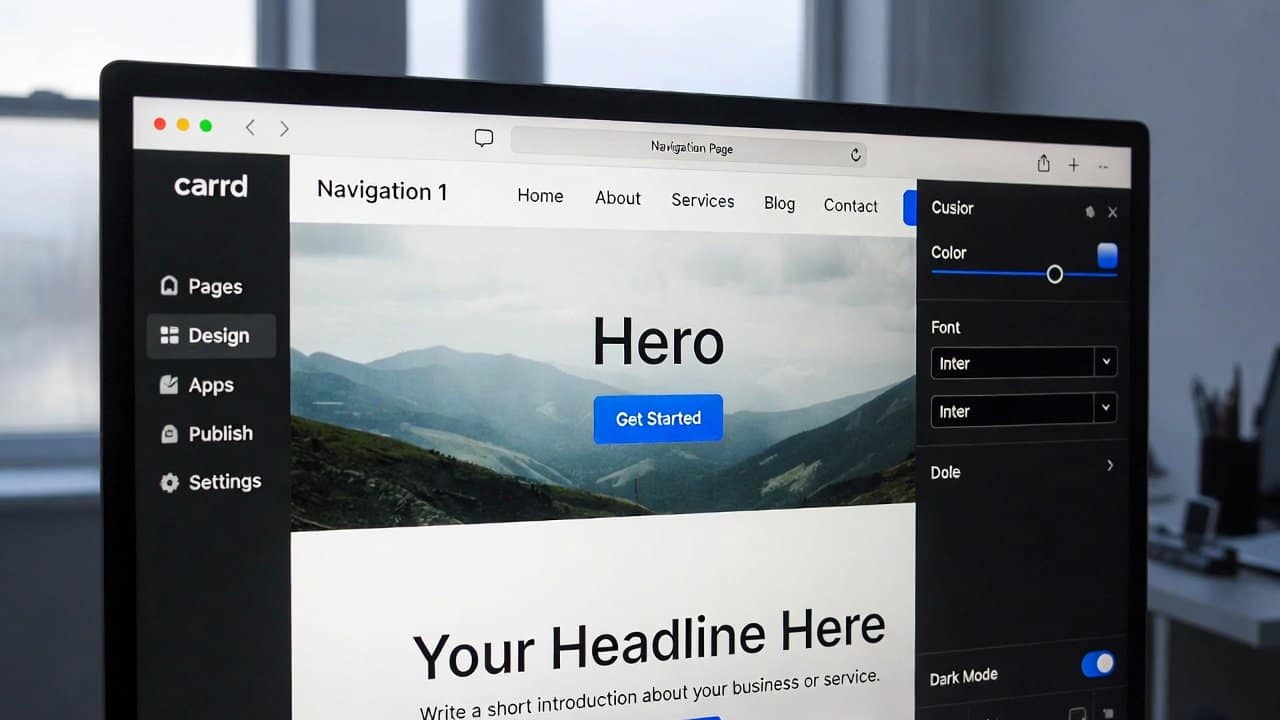
Carrd serves as a clear website creation tool. It enables users to construct single-page websites. Also, it serves as an ideal solution for developing landing pages, portfolio websites, and personal websites. Carrd provides users with a free plan. It includes attractive templates that customers can easily modify. Lastly, it enables users to create web pages through its clear interface, which requires no technical expertise.
Step 1: Sign Up and Choose a Template
- First, go to Carrd’s website and create a free account to begin the process.
- Log in and click the “Choose a starting point” button.
- It will let you select from various templates that are designed for landing pages.
- Select a template that goes best with your objectives.
- The right template selection helps users complete their work more efficiently.
Step 2: Customize Your Content
- After you select the template, the editing work will begin.
- Carrd allows users to customize their content.
- It will give users a list of modifications that they can do in their template for their content.
You can change texts, images, colors, and buttons by clicking on any element. - One thing is that your content needs to be understandable through clear language.
- The main objective should be to achieve one specific goal.
Step 3: Add Important Sections
- A good landing page usually includes:
- A strong headline
- A short description
- Call-to-action (CTA) button
- Images or visuals
- You can easily add these sections using Carrd’s tools.
- For example, add a button like “Sign Up Now” or “Get Started.”
Step 4: Optimize for Mobile
- The majority of users access websites through their mobile devices.
- Therefore, users should test their webpage’s appearance on mobile devices.
- Carrd provides users with the ability to see and modify their design through its smaller screen preview feature.
- This maintains a seamless experience for all users who visit the site.
Step 5: Publish Your Landing Page
- Lastly, users need to click the “Publish” button after they complete their design work.
- Carrd provides a free plan for its users.
- The free plan provides users with a subdomain that appears as yourname.carrd.co, according to Carrd.
- Users can obtain a custom domain by upgrading their account at any time after your initial purchase.
Tips for a Better Landing Page
To achieve better results, users should follow these tips:
- Must maintain a clean appearance and simple design.
- Use understandable language to deliver a message.
- Pursue only one specific objective at a time.
- The content must have an effective call-to-action statement.
- It should include images that meet high-quality standards.
Conclusion
In conclusion, learning how to build a landing page with Carrd for free is a valuable skill in today’s digital world. Through three simple steps, you can build an effective landing page. It maintains a professional appearance without needing coding skills. Due to its free plan, it has become easy to use for its users. It helps people to build landing pages for their websites for free. So, try using Carrd today and turn your ideas into a live website quickly and easily. For more on this topic, browse our no-code tool guides.