
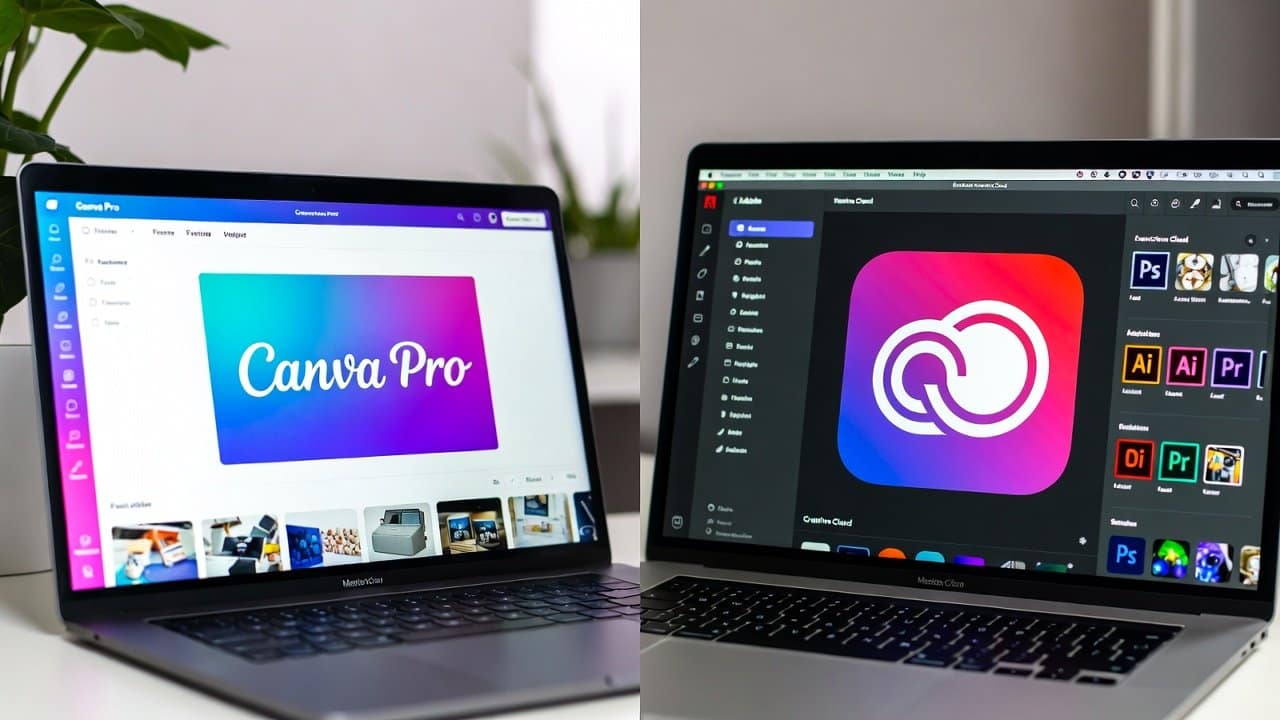
Students, freelancers, and businesses use design tools as their essential design resources. Though there are many tools present in the digital market that people can use. Photo editing and designing are some of the most widely done work on digital platforms. And they are done through various tools and software. Moreover, the correct tool will help users create better social media posts, logos, and presentations, saving you time during your work. Further, there are two most widely used design platforms known as Canva Pro and Adobe Creative Cloud. In this guide, we will provide an honest comparison of Canva Pro vs. Adobe Creative Cloud, which helps users select their preferred product. So, let’s get into it.
Canva Pro vs Adobe Creative Cloud: Key Comparison
1. Ease of Use
- Canva Pro provides users with an easy-to-use interface.
- It targets users who have no design experience and need basic design tools.
- Users can create designs by dragging elements and selecting templates.
- They can also modify their content through easy editing.
- Meanwhile, Adobe Creative Cloud provides users with access to multiple design tools, which include Photoshop and Illustrator.
- It provides users with strong capabilities.
- But users need to dedicate time to practice in order to achieve proficiency.
- Canva Pro provides users with a more clear option when they need to handle their design work.
2. Features and Tools
Canva Pro provides users with:
- More than 1000 pre-designed templates.
- Users gain access to stock images, icons, and fonts.
- THEY get background removal together with fast editing tools.
- The application serves as an ideal solution for creating speedy designs, which include
- Social media content
- Presentation materials.
Adobe Creative Cloud provides users with:
- Professional design software.
- Users get photo editing tools that deliver amazing editing.
- They can obtain vector-based design tools.
- Illustration capabilities
Additionally, users can create and edit video content through wonderful video editing and animation tools. The combination of advanced tools and professional software solutions makes Adobe the best choice.
3. Design Flexibility
- Canva Pro functions through a system of pre-designed templates.
- Users can modify them, but still they need to operate within particular boundaries.
- On the other hand, Adobe Creative Cloud provides users with unrestricted power to change all aspects of their projects.
- Furthermore, users have the ability to create original designs, which result in distinctive and complex visual content.
- Therefore, the option for creative freedom through Adobe software makes it the better choice.
4. Pricing
- The Canva Pro subscription provides better value:
- It is because it includes a low-cost monthly payment option.
- Also, it comes with a free plan that provides numerous features.
- Adobe Creative Cloud costs more.
- It is because its standard pricing model requires users to pay for all its software applications.
- The tools that Adobe provides match the needs of professionals who require advanced capabilities, while Canva Pro serves users who need budget-friendly solutions.
5. Performance and Speed
- The browser-based design of Canva Pro enables its operation across multiple devices.
- Users can operate it with quick speed when handling basic tasks.
- Adobe tools require advanced computer hardware.
- It is because its software demands high system resources.
- It provides excellent performance for handling work tasks.
6. Collaboration and Sharing
- Canva Pro provides exceptional collaboration tools.
- It enables teams to share designs while working together on edits and providing instant feedback.
- The collaborative features of Adobe allow teamwork to occur.
- But their implementation is more complicated than the user-friendly collaboration system found in Canva.
- Canva Pro provides better performance for teams who need to share information quickly between team members.
Why Should You Use Canva Pro?
The Pro version of Canva is perfect for:
- Serving as a complete design tool for both design beginners and students.
- Enabling social media creators to design their content.
- Furthermore, it enables small enterprises to create their design needs.
- Also, enable users to create designs within a short time frame.
Why Should You Use Adobe Creative Cloud?
- Adobe Creative Cloud provides its best value to three user groups, which include
- Professional designers
- Photographers
- Video editors.
- This platform provides its users with advanced tools that enable them to create design work.
Conclusion
In conclusion, the comparison of Canva Pro vs. Adobe Creative Cloud shows that neither product serves as a universal solution. Both products have their own benefits and limitations. We cannot say that one is better than the other because both are providing results, though differently. Therefore, users’ choice depends on their skills, budget, and design needs. That’s why they should begin with the tool that matches their current abilities and objectives. So, start with basic options and progress to advanced features. For more on this topic, browse our reviews.