

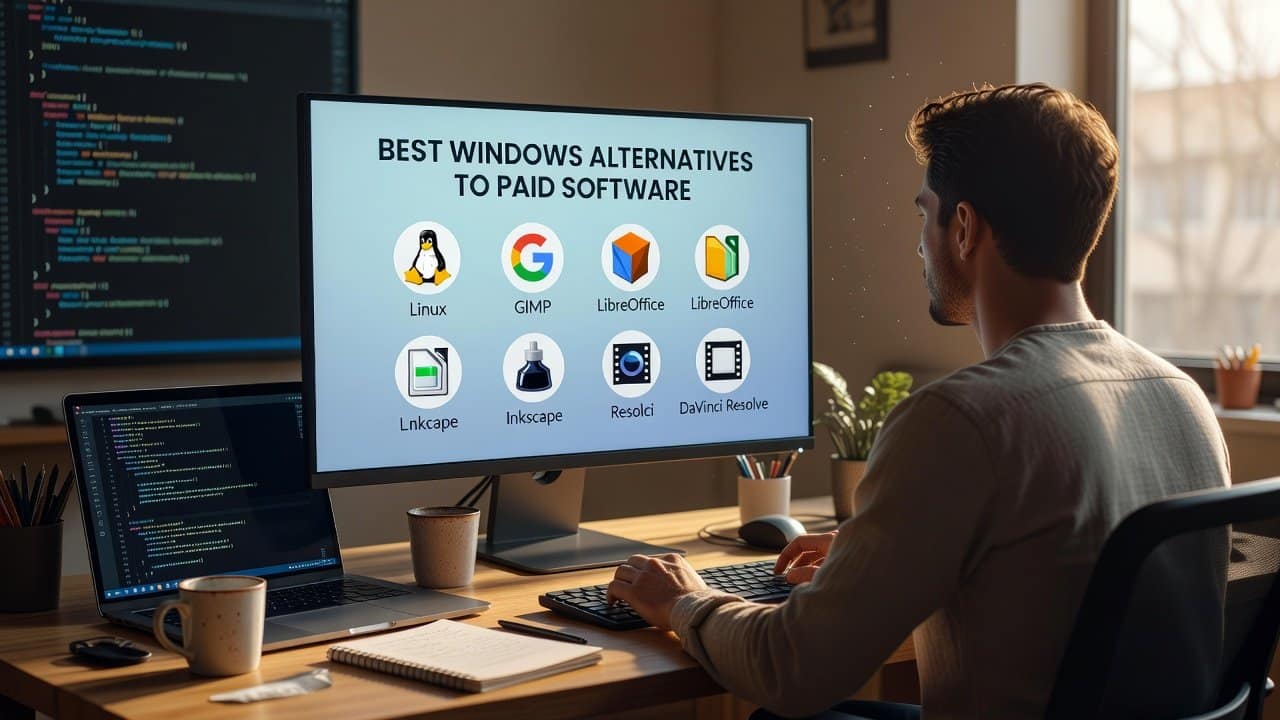
Sometimes users get annoyed by continuously giving charges for paid software every month. Paid software offers its users access to premium features through its subscription model. And this subscription model requires ongoing payments, either on a monthly basis or on an annual basis. Therefore, to free himself from these monthly payment problems, users try to find some of the best Windows alternatives to paid software. Additionally, Windows users can use powerful free alternatives that provide excellent performance without any impact on their financial resources. Many professionals depend on these tools for their daily work activities. In this blog, we will present different free Windows alternative options that serve as effective replacements for expensive paid software. So, let’s get started!
Best Windows Alternatives
The following are the best alternatives that you can use instead of paid software.
1. LibreOffice
- Firstly, users can use LibreOffice instead of Microsoft Office.
- The most common use of Microsoft Office software leads to high costs for its users.
- Therefore, this free software, LibreOffice, serves as a powerful replacement that contains applications like Writer, Calc, and Impress.
- This Windows software enables users to develop documents, spreadsheets, and presentations.
- It enables users to work with Microsoft file formats, which ensures complete compatibility.
- It is best for students, freelancers, and small businesses because it meets their needs.
2. GIMP
- Secondly, users should use GIMP instead of Adobe Photoshop.
- To use the powerful features of Adobe Photoshop, it requires its users to pay a solid monthly fee.
- On the other hand, GIMP provides users with professional-grade photo editing capabilities without any cost.
- This software enables their users to perform image editing, design creation, and layer management, which are similar to Photoshop functions.
- Although the display design requires users to adapt initially, it becomes accessible after they gain experience.
- It is best for those designers who need budget-friendly solutions.
3. DaVinci Resolve
- Thirdly, instead of using Adobe Premiere Pro, users can use DaVinci Resolve.
- The cost of video editing software has reached extremely high levels.
- Therefore, this software offers professional video editing tools that users can access for free.
- It enables users to perform color correction, edit audio, and create high-definition video content.
- Also, this software has gained a name among the best professional editors because it offers advanced editing abilities.
- It is best for Windows users who seek free video editing solutions.
4. VLC Media Player
- Fourthly, VLC Media Player can stand out as the best instead of a paid media player.
- Some media players require payment for advanced features.
- The free VLC Media Player supports almost all audio and video formats.
- It provides main benefits through its operation as a lightweight, fast, and secure application.
- It also provides streaming capabilities together with subtitle support.
- This feature makes VLC an essential tool for all Windows users.
5. Audacity
- Fifthly, instead of using paid audio editors, users should use Audacity.
- Audacity serves as an excellent free audio editing software solution for users who want to use free audio editing tools.
- It enables users to record audio tracks and create edits and audio mixes effortlessly.
- Users can use the software to apply audio effects while they work on eliminating background sounds.
- It is best for podcasters and musicians along with students because it offers better value than paid audio editing software.
6. 7-Zip
- Lastly, if users want to compress their file, they should use 7-Zip instead of WinRAR or WinZip.
- Most file compression programs need users to obtain licenses after their trial periods end.
- 7-Zip is a free software program that enables users to handle various archive file types.
- It achieves efficient file compression while delivering seamless performance on Windows operating systems.
- Paid compression software cannot compete with this product because it delivers both fast performance and user-friendly operation.
Conclusion
In conclusion, the best Windows alternatives to paid software show that you do not have to spend too much money on a single paid software to get better results. But instead, you can achieve excellent results without using expensive software tools. Moreover, these free Windows alternatives enable users to save their money while providing them with effective work. These alternatives enhance work output and innovative thought while boosting operational efficiency. Therefore, if you also want to save some money and want to get the best results, then start using these alternatives today.














