

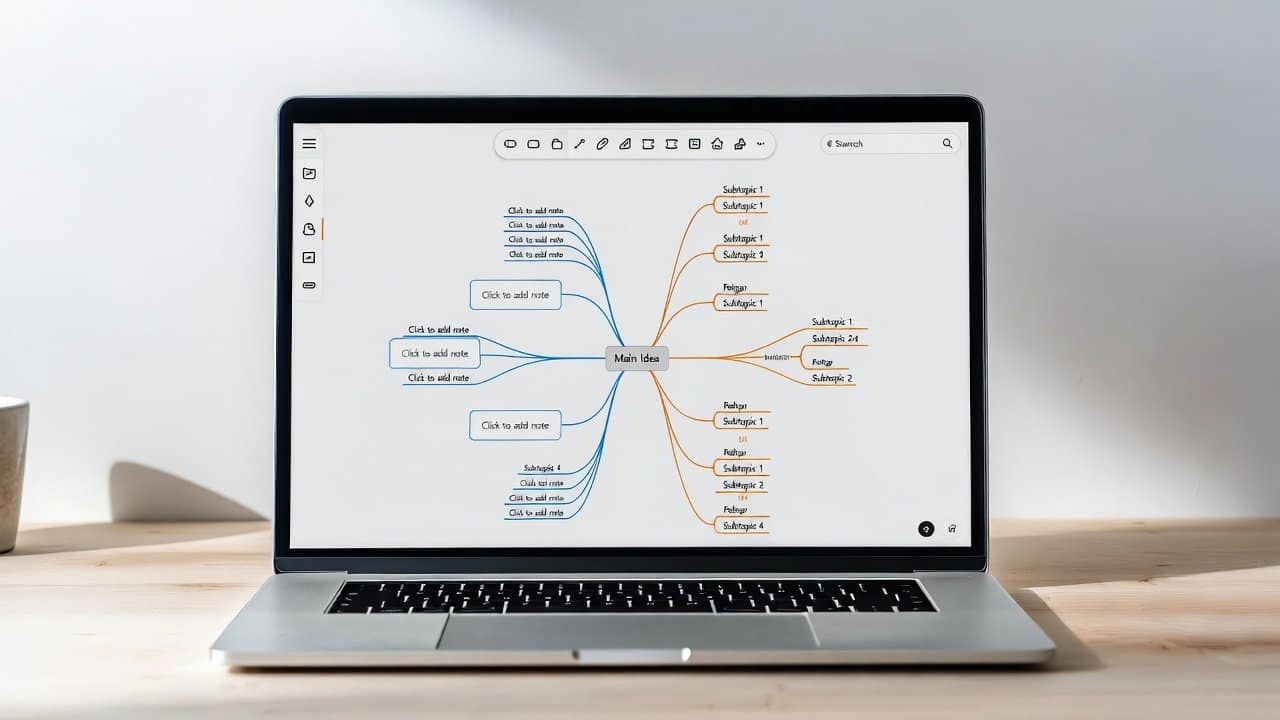
When your ideas start feeling scattered here and there, you start searching for something that can sort out the things. In this case, a mind map can be the tool that can bring it all together. Additionally, it helps organize your thoughts, connect concepts, and even map out projects in a visual way. It does not matter whether you are a student, a freelancer, or a business owner; mind mapping can raise creativity and also boost productivity. Mind mapping tools are freely available online so that users don’t have to rely on expensive software. In this guide, we will look into the best free mind mapping tools online that are simple and easy to use. For more on this topic, browse our free tools.
Best Free Mind Mapping Tools
1. MindMeister
- First, MindMeister feels like one of the most popular tools for creating mind maps.
- It has a tidy interface, collaboration features, and templates that look really beautiful.
- Also, you can slip in icons, adjust colors, and attach notes to each little branch.
- And it basically runs right in your browser, so there is nothing to download or install.
2. Coggle
- Second, Coggle is mostly known for its simplicity.
- It is highly straightforward and flexible.
- Further, users can put together colorful diagrams really fast and send them to others during the same moment.
- Also, it works well for brainstorming sessions and group projects.
3. XMind
- Third, XMind gives you nice-looking maps, and there are several diagram types too.
- Moreover, the free version has quite a lot of options, enough for most people.
- Also, it runs on Windows, Mac, and even mobile devices.
4. Miro
- Fourth, Miro isn’t just some mind mapping tool; it actually goes beyond that.
- There are whiteboards, sticky notes, and team collaboration features.
- It fits remote teams well, and it also works great for visual planning.
5. GitMind
- Lastly, GitMind is kind of a beginner-friendly option.
- It comes along with lots of templates.
- It also does mind maps, flowcharts, and organizational charts too.
- Lastly, it’s easy to learn, and it’s fully web-based.
How to Choose the Right Tool
Each tool has its own strong points:
- MindMeister is more polished and friendly for group maps.
- Coggle is pretty clear for brainstorming.
- XMind leans into advanced layouts; it can get a bit more structured.
- Miro works well when you want to plan as a team together.
- GitMind feels like an easy all-in-one diagramming option.
Conclusion
In conclusion, mind mapping tools are some of the simplest tools that people can use. They can sort information and, at the same time, spark new ideas for their users. Also, they are not as complicated as other people think. With free tools such as MindMeister, Coggle, and GitMind, anyone can put together a clean and workable visual outline. They just have to follow simple steps while using these tools. So, try one of these tools today and turn your thoughts into action-focused plans.














