

Users’ online accounts are often left signed in on different devices. They might use their phone, laptop, tablet, and even some public computers. They activate their accounts on different devices and forget to log out. Over time, they do not even remember where their accounts are still active or which place is holding the session. That’s why this situation can turn into a serious security risk. So it is really important for people to learn how to check active login sessions on all platforms. By doing this, you can spot odd sign-ins fast and then remove any devices that you did not own. In this guide, we will teach you how to check active login sessions on different platforms. So, let’s get started.
Steps to Check Active Login Sessions on All Platforms
1. Google
Firstly, your Google Account shows the devices that are still signed in.
To check it out, do this:
- Open up your Google Account settings.
- Then go to Security.
- Keep scrolling until you see “Your devices.”
- Look at the active sessions.
If you notice an unfamiliar device, tap or select it and click “Sign out.”
2. Facebook
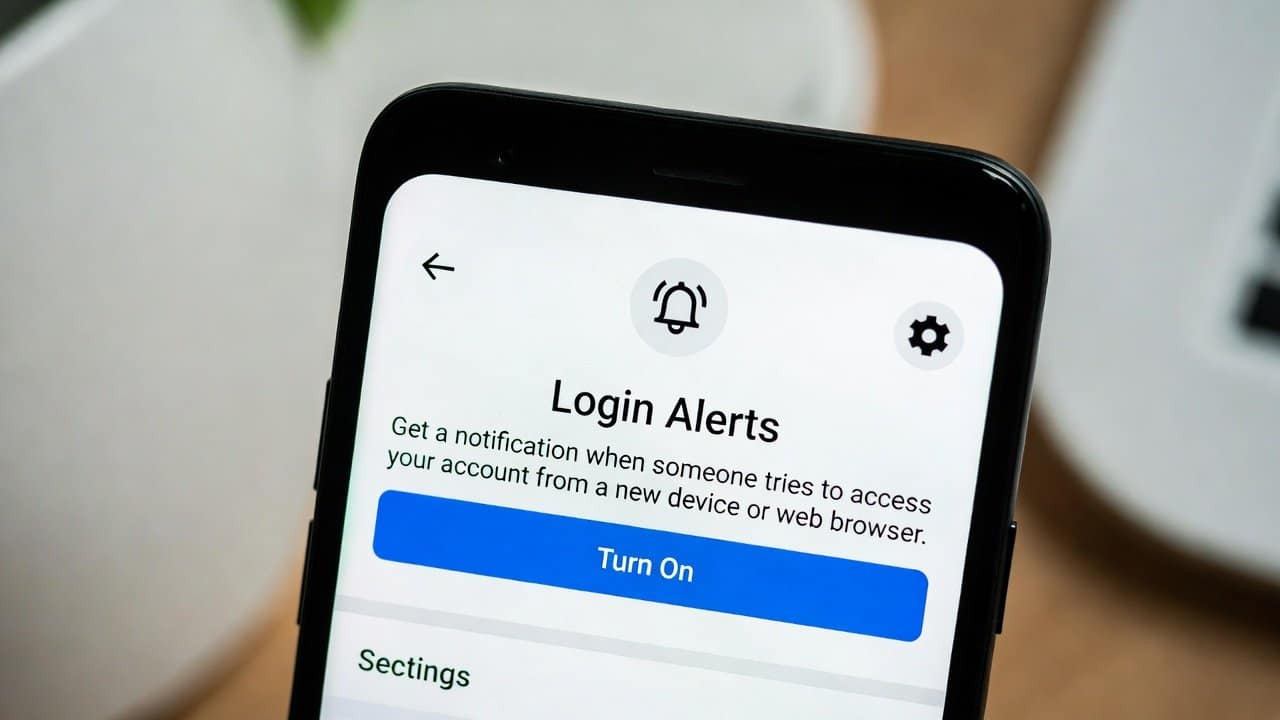
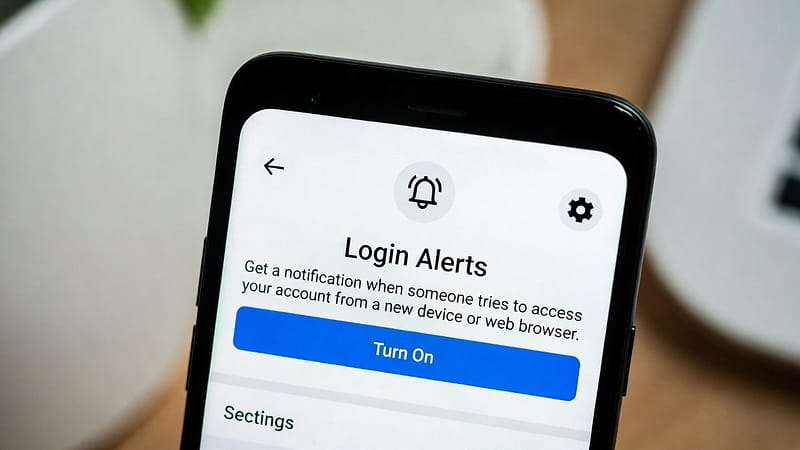
Secondly, Facebook gives a detailed list of devices that are logged in.
The following steps help you in this process:
- Open Settings & Privacy.
- Go to Settings.
- Choose Password and Security.
- Look for Where You Are Logged In.
- Remove any session that looks suspicious right away.
3. Instagram
Thirdly, Instagram also lets you monitor your account activity.
To check it:
- Open Settings.
- Tap Security.
- Choose Login Activity.
Then you should see the devices and locations that are using your account right now.
4. Gmail
Fourthly, Gmail is part of your Google account. Users can use that same device list.
- Scroll all the way down in Gmail
- Click “Details” to check what was happening recently.
This helps a lot when you’re trying to catch odd or unusual access or anything that seems a bit off.
5. WhatsApp
Fifthly, WhatsApp lets you look at the linked devices. This gives you a quick overview of who’s connected. If you want to check it, follow these steps:
- Open WhatsApp.
- Tap Linked Devices.
- Here you can look at the active sessions.
From there you can remove the devices you don’t really use anymore, and it’s worth setting up two-factor authentication on WhatsApp as well.
6. Microsoft Account
Lastly, if you use Outlook, OneDrive, or Windows, do a quick check on your Microsoft account.
Follow these steps to check the active session:
- Sign in to your Microsoft account.
- Open the security settings page.
- Look over recent activity and devices.
- Sign out of any sessions that seem unfamiliar.
Tips to Keep Your Accounts Safe
To reduce future risk, follow these tips:
- Use hard-to-guess, unique passwords. Here’s why you should never reuse passwords across accounts.
- Turn on 2FA for all important accounts.
- Don’t sign in on shared computers unless you really have to.
- Check login sessions on a regular basis.
Conclusion
In conclusion, learning how to check active login sessions on all platforms is fairly simple. But this process is also really powerful for protecting your online accounts. It helps in protecting you and your data across every platform. If you go through device activity on Google, Facebook, WhatsApp, and other services, you might notice unusual access before it causes real damage. So, make it a regular habit to check your active login sessions so that you can protect your security on all platforms. For more on this topic, browse our account security guides.