

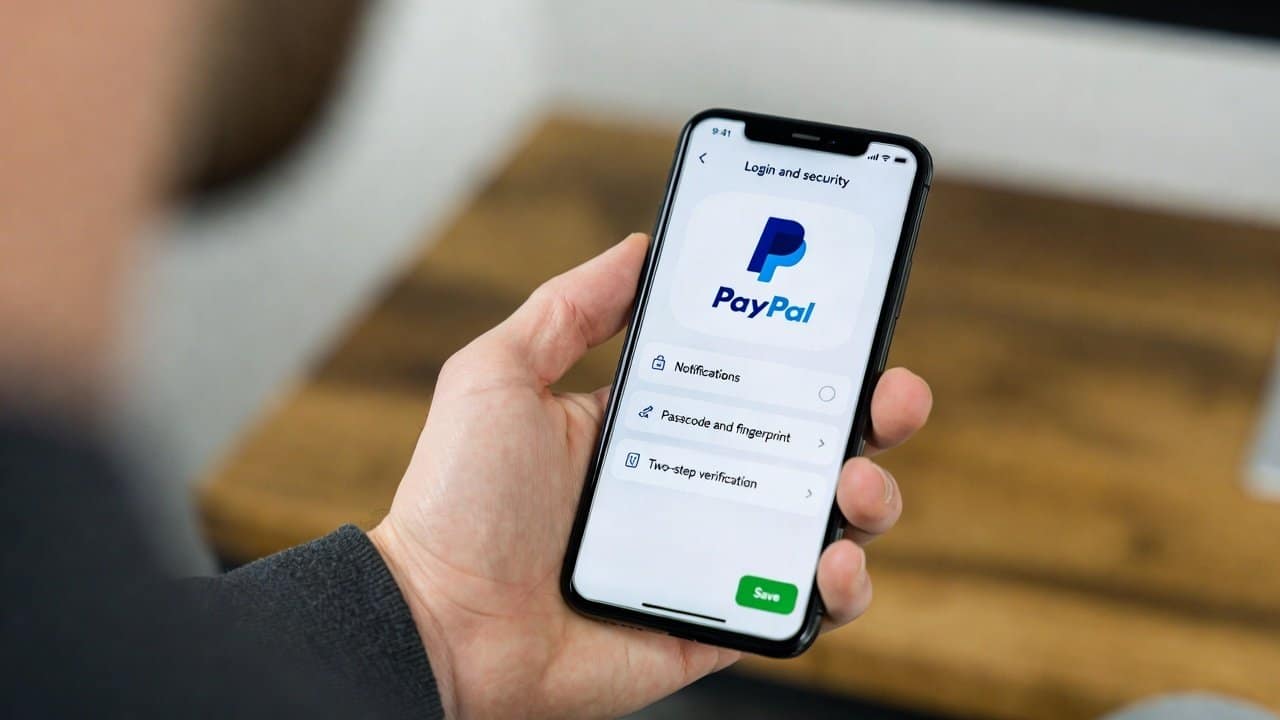
Online payments provide rapid transaction speed and user-friendly payment processing. But still they face potential security threats. When users’ online payment account lacks proper security measures they face tons of problems. They will lose their money and their personal data become vulnerable to hackers. Paypal also serves as an online payment account. Though this app is used worldwide, it still lacks some security measures. Therefore it is important for people to implement security tips to thor payment accounts. These tips are there for people to protect their account from potential threats. In this blog, we will tell people how to secure your PayPal account through simple tips. So, let’s get started.
Why Does PayPal Security Matters?
People use PayPal for their online purchases, their freelance work and their business dealings. Therefore, cybercriminals commonly target this system because of its widespread use. Cybercriminals try to steal your personal information and online money transactions. People face high financial loss because of this cybercrime.
Tips to Secure Your PayPal Account
1. Use a Strong and Unique Password
- Firstly, create a strong password.
- Your password needs a minimum length of 12 characters.
- It should include letters, numbers and symbols.
- Also, it should be different from all your other account passwords.
- Users should not use names, birthdays and basic words as their password.
- A strong password makes it harder for hackers to break in.
2. Enable Two-Factor Authentication (2FA)
- Secondly, two-factor authentication creates additional security protection for your system.
- When this feature is activated, your access requires both a text message code and your password.
- This protects your account because attackers need both your password and second authentication method to gain access.
- It provides its users with essential security protection through this feature.
3. Monitor Your Account Activity
Thirdly, users should monitor your PayPal account activity at regular intervals. The following items should be examined:
- Unknown transactions.
- Unrecognized logins.
- Changes in account settings.
- If you see anything suspicious, the user must change your password and report the issue to support.
4. Be Careful with Emails and Links
- Fourthly, phishing attacks occur frequently in the online world.
- Hackers send fake emails that look like they are from PayPal.
- The emails request you to click a link or enter your login details.
- Therefore, users should always:
- Check the sender’s email address.
- Do not click on links which appear suspicious.
- Access their account through the official website only.
5. Use Secure Devices and Networks
- Fifthly, users should access their PayPal account only through devices that you trust.
- Do not access your accounts from public computers or unsecured Wi-Fi networks.
- It is because these networks will put your login information at risk.
- Therefore, people should use a safe internet connection or virtual private network(VPN).
6. Keep Your Contact Information Updated
- Lastly, verify the accuracy of your email address and phone number information.
- The PayPal system uses your data to notify you about any suspicious activities that occur in your account.
- It provides users with immediate alerts which enable them to handle threats more efficiently.
Conclusion
In conclusion, learning how to secure your PayPal account is becoming very essential nowadays. It is highly important for protecting your money and personal information. Therefore, users should implement tips like strong passwords or 2FA activation. Also, ongoing security monitoring will decrease your vulnerability to hacking attempts. The above given security tips will allow users to establish safe online transactions. Also, it will protect their personal security.














