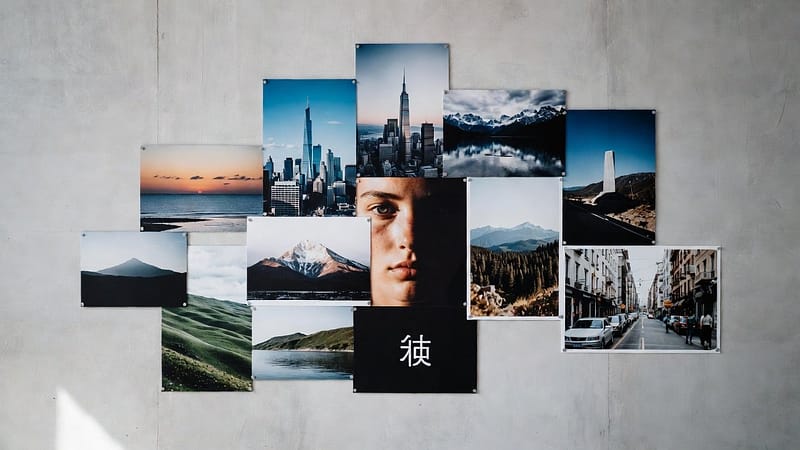


Photo editing is an important skill for designers, content creators, and even every person who loves clicking beautiful pics. Beast editing requires the best software. But this creates a little problem for beginners. Adobe Photoshop is such amazing photo editing software. However, Adobe Photoshop presents two main problems for beginners. First, it charges high costs, and second, it operates with a complicated system. Therefore, people search for no-cost tools that provide equivalent functions to paid software. There are many free alternatives to Photoshop that are present in the market. In this blog, we will see different Windows-based photo editing tools that function as the best free Photoshop alternatives. So, let’s get started.
Best Free Alternatives to Photoshop
1. GIMP
- Firstly, GIMP stands as one of the most widely used free programs that people use as an alternative for Photoshop.
- It provides users with its advanced capabilities.
- It has the ability to work with layers and filters and create custom brushes.
- This software allows users to complete three specific tasks, which include
- Photo retouching
- Graphic design
- Image manipulation.
- It requires initial learning time, but it delivers strong performance after users achieve mastery.
2. Paint.NET
- Secondly, Paint.NET functions as an efficient basic software application that easily runs on the Windows operating system.
- It has fundamental components that enable users:
- To create designs through its layer system
- Visual effects
- Artistic drawing instruments
- Its interface maintains its simplicity to help new users to go through the system.
- It provides an ideal solution for users who require fast and clear editing capabilities.
3. Photopea
- Thirdly, Photopea is a browser-based editing tool that resembles Photoshop in its appearance.
- It provides support for PSD files.
- It contains tools that include layers, masks, and filters.
- This system operates without requiring users to download any software.
- Also, it provides users with a free alternative that delivers a Photoshop-like experience.
4. Krita
- Forthrightly, Krita functions as the best software solution for artists and illustrators.
- It provides artists with advanced drawing tools, diverse brush options, and complete animation capabilities.
- This program specializes in digital artwork creation.
- But it also provides users with tools to perform image editing functions.
- People who like to draw or design will find Krita to be an excellent software option.
5. Pixlr
- Fifthly, Pixlr serves as another clear online tool that users can access.
- It offers users fast editing capabilities, which include cropping, filtering, and adjustment tools.
- This application functions as a lightweight tool that users can access through their web browsers.
- It enables users to perform fast editing tasks because it requires no software installation.
Tips for Choosing the Right Tool
To select the best option, consider your needs:
- GIMP will provide you with advanced editing capabilities.
- Paint.NET serves as an easy-to-use software solution.
- Photopea provides users with an interface that resembles Photoshop.
- Krita functions as a digital art creation tool.
- Pixlr provides users with a fast solution for their online editing needs.
Conclusion
In conclusion, now users do not need expensive software to create amazing designs. They are not bound to use Adobe Photoshop. It is because there are many best free alternatives to Photoshop that are now present in the digital market. These free software like GIMP, Photopea, and Krita enable users to achieve professional results without any cost. So, start exploring these tools today and find the one that fits your needs. Do practice with these tools to develop the ability to create stunning visuals without using Photoshop.