

People who watch videos or display pictures on their phone screens face difficulties. It is because of their device limitations. Especially during a large gathering here, everyone wants to see pictures or videos. But a single mobile screen is not enough. Therefore, people need larger screens, which provide them with improved viewing experiences. Additionally, the process of screen mirroring provides essential support during these times. In this blog, we will show users different methods on how to mirror their Android screen to a TV. So, let’s get started.
What Is Screen Mirroring?
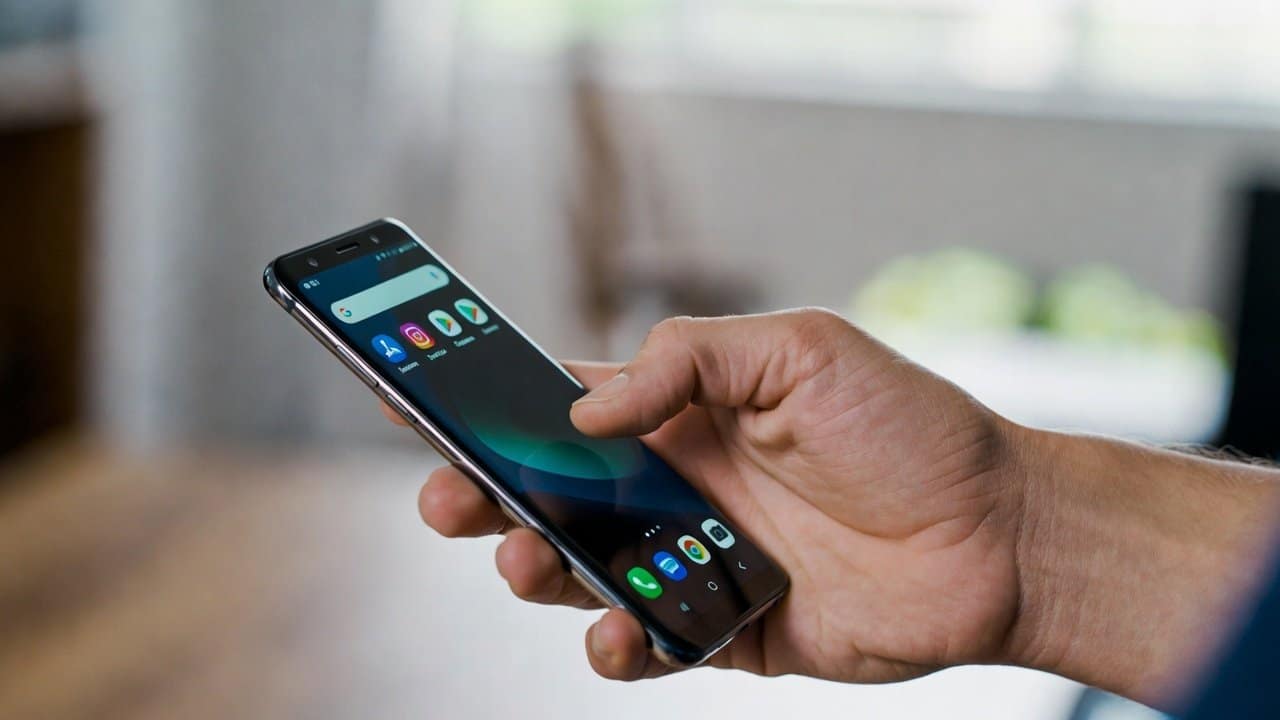
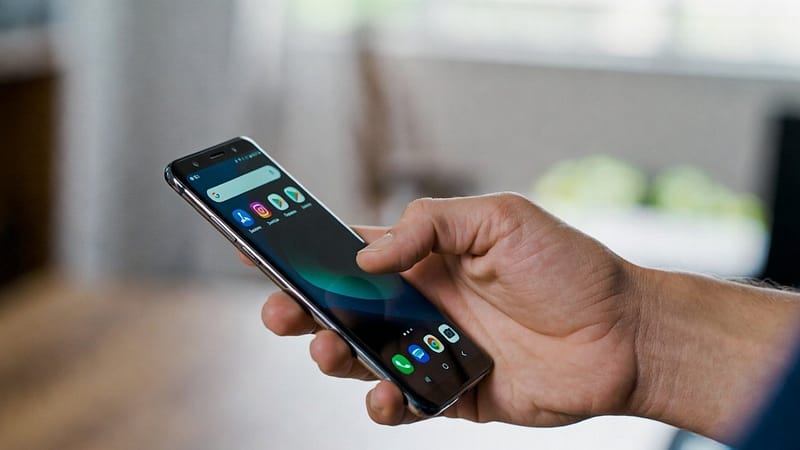
Screen mirroring allows you to display your phone’s screen on a TV. The larger screen shows all your phone activities at the same time. Most Android devices support this feature. Additionally, people can use it through built-in options like Google Cast. Also, users can easily watch videos, play games, and share presentations because of this feature.
Methods to Mirror Your Android Screen to a TV
The following are the four methods that will help users to mirror their Android screen to a TV.
Method 1: Use Built-In Cast Feature
Most Android phones come with a built-in cast option. The following steps will help users to operate this function.
- Firstly, users have to connect their phone and TV to the same Wi-Fi network.
- Then go and access the Settings application on your phone.
- Then users should look up the terms “Cast,” “Screen Cast,” and “Smart View” in their search.
- Choose their TV from the available devices shown in the menu.
- The TV will show your phone screen after you establish a connection.
- This is the simplest and most frequently used method.
Method 2: Use Chromecast
If your television lacks casting support, you can use a Google Chromecast device.
Follow the following steps to do this:
- First, plug Chromecast into your TV.
- Then, connect it to Wi-Fi.
- Open a supported app like YouTube.
- After this, tap the Cast icon.
- Then select your Chromecast device.
- Now your content will play on the TV.
Method 3: Use Smart TV Apps
- Smart TVs in the market today support screen mirroring features.
- There are built-in casting capabilities of Samsung, LG, and Sony products.
- They enable users to stream content without needing extra devices.
- Users just need to open their TV screen mirroring function to connect their phone.
- The technology functions effectively when both devices use identical technological standards.
Method 4: Use Third-Party Apps
- Lastly, users need to download AirScreen or Miracast when the built-in options fail to function.
- These apps enable users to connect their phones with the TV through simple methods.
- The user needs to download applications from trusted sources.
- It is because only those sources should be used for downloading.
Tips for Better Mirroring
To improve your screen mirroring experience, follow these tips:
- Firstly, use a strong and stable Wi-Fi connection.
- Secondly, keep your phone close to the TV.
- Thirdly, close unused apps for better performance.
- Lastly, update your phone and TV software.
Conclusion
In conclusion, the process of learning how to show their Android screen on a TV requires such simple yet effective methods. It proves to be an easy and beneficial skill that everybody should know by now. These methods require simple steps to be done. Furthermore, the built-in casting system, together with Chromecast and various applications, is there to make this work easier. They enable users to complete their tasks through simple and fast methods. People who prefer watching their content on larger screens should start using this feature now.