

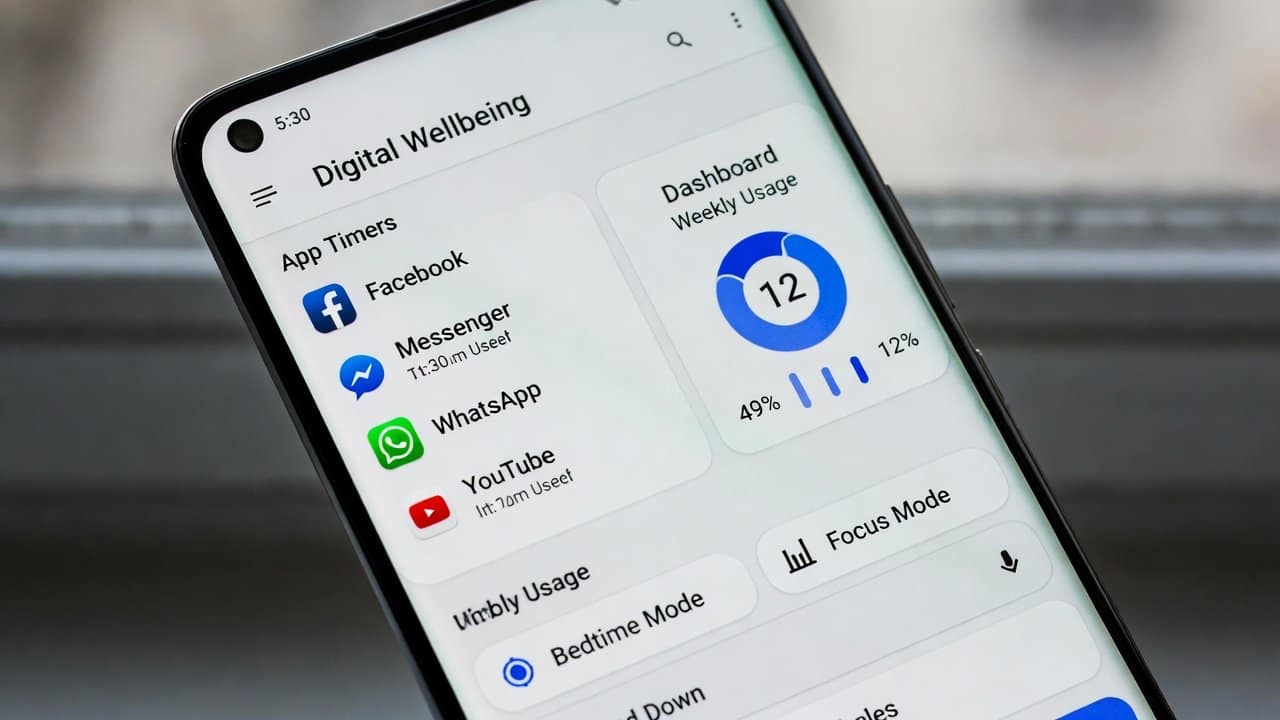
Our daily activities depend on smartphones. We use smartphones for working, studying, social media, and entertainment purposes. But the more we rely on these smartphones, the more it affects us. Excessive screen time creates problems for our ability to concentrate. It disrupts the sleep patterns and our mental well-being. Therefore, the method to control your phone usage needs to be learned because it holds essential value. Android provides well-being built-in tools that help users to maintain a balanced life throughout their day. In this blog, we will provide you an explanation on using Android’s digital well-being tools. So, let’s get into it.
Using Android’s Digital Wellbeing Tools
1. Check Your Screen Time
- First, go to the Settings menu.
- Select Digital Wellbeing from that menu.
- The dashboard displays users’ screen time usage throughout the day.
- It also shows which applications are used most frequently.
- This enables users to track their time in different activities.
- With this, users will be able to check their screen time and manage their time.
2. Set App Timers
- Secondly, users can control their time usage by setting restrictions on specific applications.
- Select an app from the dashboard.
- Tap on “App Timer”
- Then set a daily time limit.
- The app will stop functioning after users reach their daily time limit.
- This provides an effective method for those people to spend a lot of time on social media and video games.
3. Use Focus Mode
- The app Focus Mode enables users to maintain their focus.
- It is done by preventing access to any applications that might cause distractions.
- It allows users to select specific applications to be temporarily disabled during their work or study sessions.
- Go to Digital Wellbeing.
- Tap “Focus Mode.”
- Select apps to pause.
- Turn it on when needed.
- This enables users to maintain focus on their work without any disruptions.
4. Turn On Bedtime Mode
- People need good sleep because it is an important element for their health.
- Using the phone during nighttime hours will result in sleep disturbances.
- Bedtime Mode helps in this regard by:
- Turning the screen to grayscale
- Silencing notifications
- Reducing distractions
- You can schedule it to turn on automatically at night.
- It helps users in developing a more beneficial sleeping schedule.
5. Manage Notifications
- Excessive notifications create both distracting and stressful situations for people.
- Digital Wellbeing provides you with simple tools to control the notification system.
- Users can disable all unneeded notifications or can choose to decrease their alerting frequency.
- It helps users maintain concentration by preventing all forms of interruptions.
Conclusion
In conclusion, learning to use Android’s Digital Wellbeing tools allows users to develop better habits. These tools help users in decreasing their screen time, avoiding interruptions, controlling their timing, and much more. This android feature provides users with digital life management tools. These management tools include app timers, Focus Mode, and Bedtime Mode features. If you also want to establish a balanced relation between digital working and a good healthy life, then start implementing it today.














