

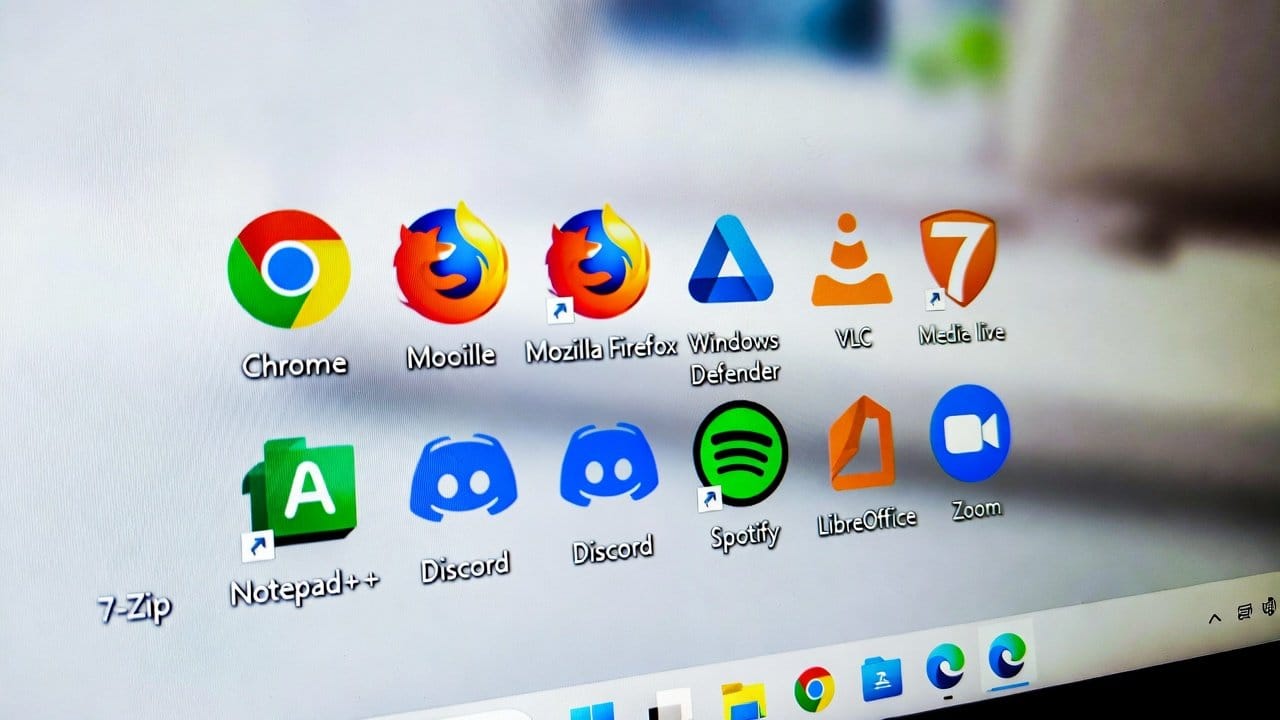
Having your own personal computer is something that is becoming too common nowadays. Users experience immense joy when they first set up a Windows PC. Windows provides essential software components. But it also fails to deliver complete solutions required for office work, protection, and regular operations. Therefore, there is some software for new Windows available. They are critical for successful operation on windows. This blog will explore some essential software applications which all Windows beginners should install immediately. So, let’s get started.
Software for New Windows Users
The following are the software that new Windows users must have on their PCs.
1. Google Chrome
- First of all, every new window user must have a reliable web browser.
- Google Chrome provides users with fast performance, simple navigation and strong security features.
- It offers support for many extensions.
- It also helps in enabling users to match their data across multiple devices.
- Windows includes a default web browser, but Chrome remains the fastest option.
2. Microsoft Edge
- Secondly, Microsoft Edge functions as a useful browser because it offers some amazing built-in features.
- It shows better performance because it runs on Windows.
- It consumes less memory and provides protection mechanisms that come with its system.
- Also, it provides seamless compatibility with Microsoft services too.
3. Microsoft Office
- Thirdly, Windows operating systems require document, spreadsheet and presentation software tools.
- These are considered the basic requirements for new users.
- Microsoft Office includes Word, Excel, and PowerPoint.
- People can use these tools for business purposes, educational activities and personal use.
- This software provides essential tools for gaining professional productivity.
4. VLC Media Player
- Fourthly, the default video and audio format support of Windows operating systems is very limited.
- Therefore, the software VLC Media Player provides a simple solution for this issue.
- It enables users to watch almost all media formats through its built-in decoding system.
- It serves as a free software package which requires minimal resources.
5. 7-Zip
- Fifthly, compressed files are very common, especially for downloads in Windows.
- 7-Zip enables users to extract and compress files with fast performance.
- It operates smoothly across all Windows systems while supporting multiple file formats.
- This tool offers user-friendly functions that provide users with maximum power.
6. Windows Security
- Sixthly, having a security system for your window is a must.
- Windows includes Windows Security as its most essential part.
- It provides effective protection against malware and viruses.
- Also, it provides sufficient protection for most users when they maintain their system updates.
7. Zoom
- Lastly, people use online communication as a normal part of their everyday activities.
- Many users now use Zoom for doing virtual meetings, conducting online classes and performing remote work.
- This software provides users with a simple design which functions properly on Windows operating systems.
Conclusion
In conclusion, the above-given essential software must be installed by all new Windows users. Because this software provides them with optimal computer performance. Your window system requires the installation of specific software, which includes an appropriate browser, productivity tools, a media player, and security software. These software programs are essential for Windows performance improvement. They need only a few minutes of your time to complete its installation process. So you also have this software installed in your window if you want to improve your work performance and time management.














