

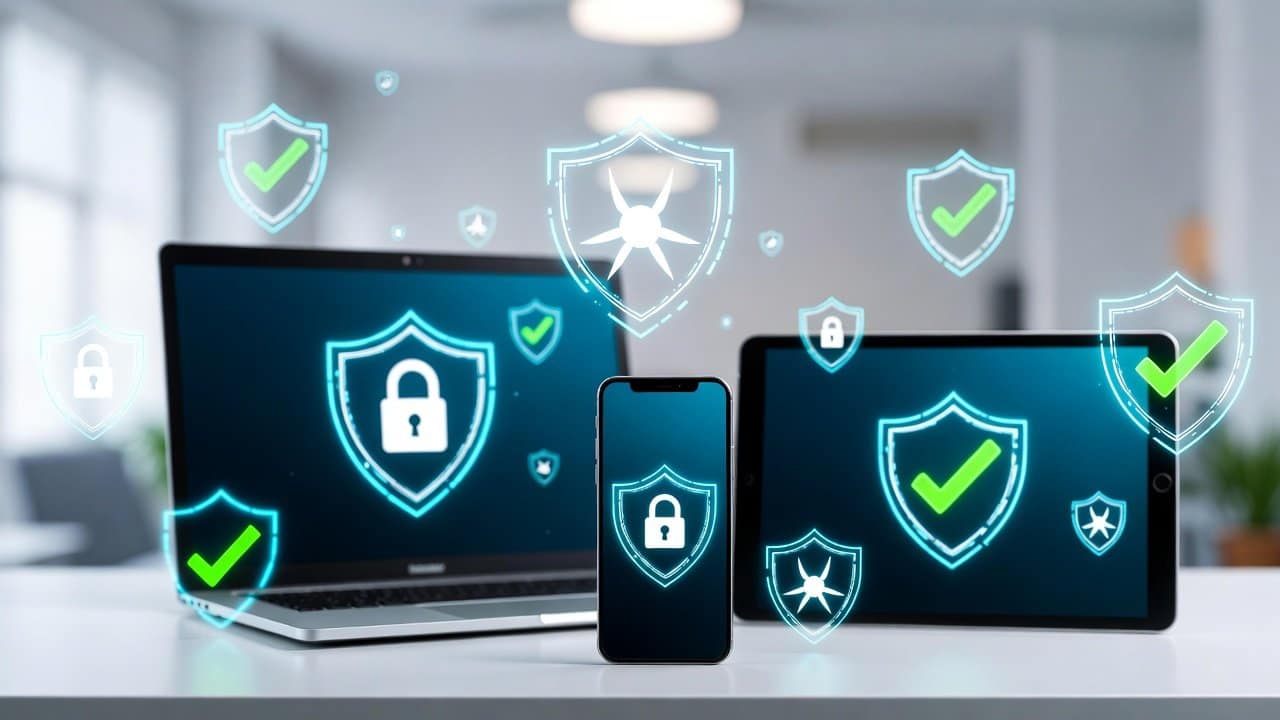
This digital age is a dangerous time because cyber threats spread globally. Hackers, malware, and viruses operate in every location. Hackers use your computer as their target to obtain your personal information and decrease your system performance. Fortunately, now this digital protection does not require expensive payments. This is due to the availability of free antivirus software, which offers protection against these threats. In this guide we will explore the best free antivirus software. So, let’s begin!
Why Choose Free Antivirus Software?
This software offers free essential security protection, which makes it suitable for users who need to maintain their budget. The software provides three security functions. It includes virus scanning, malicious website blocking, and real-time protection. Furthermore, this software provides additional security features, which include firewall management and phishing detection. The free version of the software provides basic features that differ from the paid version. The system provides excellent performance for routine tasks.
Top Free Antivirus Software Recommendations
1. Avast Free Antivirus:
- This software detects and removes malware through its advanced capabilities.
- It enables users to perform quick scans or complete system inspections.
- It operates its smart firewall and anti-phishing features through an easy-to-use interface, which automatically updates the system.
- The free version of this application displays advertisements, and the software protects security for millions of devices.
2. Bitdefender Antivirus Free Edition:
- This software provides complete protection from both viruses and ransomware.
- It monitors files for threats in real-time and blocks any links that show suspicious behavior.
- It uses minimal system resources to maintain computer performance without creating any slowdowns.
- This software also enables users to browse securely and offers a password management system.
- The software works seamlessly with Windows Defender.
3. Free Malwarebytes:
- This software detects and removes all types of malware, including spyware and adware.
- It did this through its quick scanning capability.
- This antivirus system provides protection against real-time threats.
- Its browser extension enables users to navigate the internet safely.
- It maintains its basic functions through simple installation processes.
- Its system operates without firewall control features.
4. AVG Free AntiVirus:
- This software delivers complete virus detection together with protection against internet threats.
- Its email security and link scanning functions work to protect users.
- This program provides users with the capability to delete and secure their files through its dedicated file shredder tool.
- It includes an intuitive dashboard system, which enables users to navigate the application easily.
- The free version of the software displays advertisements to users.
5. Avira Free Security Suite:
- This software package combines three security features, which include antivirus protection, VPN services, and system optimization tools.
- Users can perform virus scans while browsing the internet securely.
- This product includes a password manager together with a software updater.
- Its system functions on several devices.
Tips to Choose the Best Free Antivirus
Follow these tips while choosing any free antivirus software for yourself.
- You need to verify system requirements together with operating system compatibility.
- You should read user reviews and test the software using the trial version.
- Free tools cannot achieve perfection; therefore, you should use them with safe practices.
- The process of installation requires you to download software from official websites, since fake antivirus scams are common.
Conclusion
In conclusion, this free antivirus software is one of the most effective tools for cyber protection. Users can select between any of these software as their main defense solutions. Additionally, select any product that matches your daily habits, which you should install immediately. Also, users should maintain software updates while practicing basic internet safety. This process will meet your data protection needs and security requirements. For more on this topic, browse our malware and virus protection guides.














