

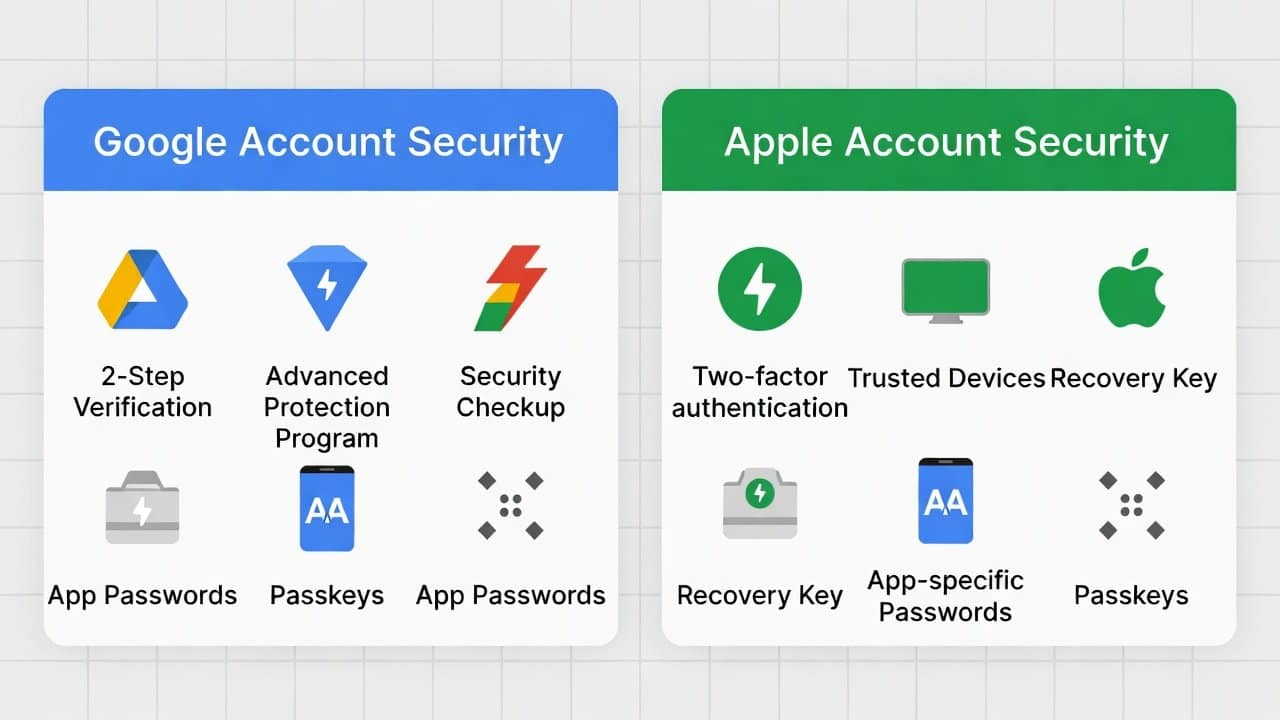
Your Google and Apple accounts contain extensive personal information, which includes your emails, photos, and financial records. Therefore, the threat of hackers requires you to protect your accounts through security measures. You can strengthen your security through basic settings, which provide effective protection. So, in this blog, we will reveal the best security settings for Google and Apple accounts. The online defense procedures begin when you complete these specific steps. So, let’s get started!
Why Secure Your Accounts?
Cybercriminals target accounts to steal identities or access sensitive data. A violation can result in both financial loss and privacy invasion. You should enable security features at their maximum protection level to prevent unauthorized access. Moreover, the protection system provides simple methods to activate your security configuration.
Best Security Settings
The following sections present detailed tips about Google and Apple security.
Top Security Settings for Google Accounts
- Access your Google Account settings to enable two-factor authentication (2FA) by selecting the Security option and choosing 2-Step Verification.
- It requires users to enter codes that Google sends to their mobile device or authentication application.
- Create a strong password that includes different character types, and do not use the same password to access multiple websites.
- Google’s password manager will help users create and keep their passwords secure.
- Establish recovery methods by entering a backup email address and a phone number to assist with account restoration.
- Check your account activity in the ‘Security’ section by selecting the ‘Your devices’ option to find and remove any suspicious logins from your account.
- The application password feature allows less secure applications to create one-time verification codes.
- Activate activity alerts to notify you whenever new devices attempt to access your accounts, so you can respond to security breaches.
Best Security Settings for Apple Accounts
- Set up two-factor authentication for your Apple ID in Settings on your iPhone or iPad, or at appleid.apple.com.
- It requires a code from a trusted device or a registered phone number for login.
- Apple ID password should be strong, containing 12 or more characters, including uppercase and lowercase letters, numeric digits, and special characters.
- Set up recovery contacts by selecting trusted friends or family members who can help you restore your account if needed.
- Activate Find My iPhone and Activation Lock on your devices to enable tracking for lost or stolen devices.
- Conduct security checks on your account by reviewing all security settings to identify authorized devices and remove any you no longer need.
- Change your password right away and log out of all active sessions when you suspect a security threat to keep your data safe.
General Tips to Enhance Security
- Use a password manager like LastPass or Bitwarden to generate and store complex passwords for all your online accounts.
- The regular update process for your devices and applications strengthens security by implementing essential vulnerability patches.
- Public Wi-Fi networks should not be used for sensitive activities.
- Users should turn on a VPN whenever they need additional online protection.
- Refrain from clicking any suspicious links and sharing your personal information with unverified sources.
- You should monitor your accounts for suspicious activity and turn on notifications to detect any unusual behavior.
- The best way to protect yourself against phishing scams is to educate yourself about them.
Conclusion
In conclusion, the process of protecting your Google and Apple accounts requires these best security settings. The two essential security measures for this task are two-factor authentication, strong password creation, and regular account activity monitoring. The security measures you implement create an impassable defense system that protects your information. Your digital security threats will vanish once you take your first step.














