

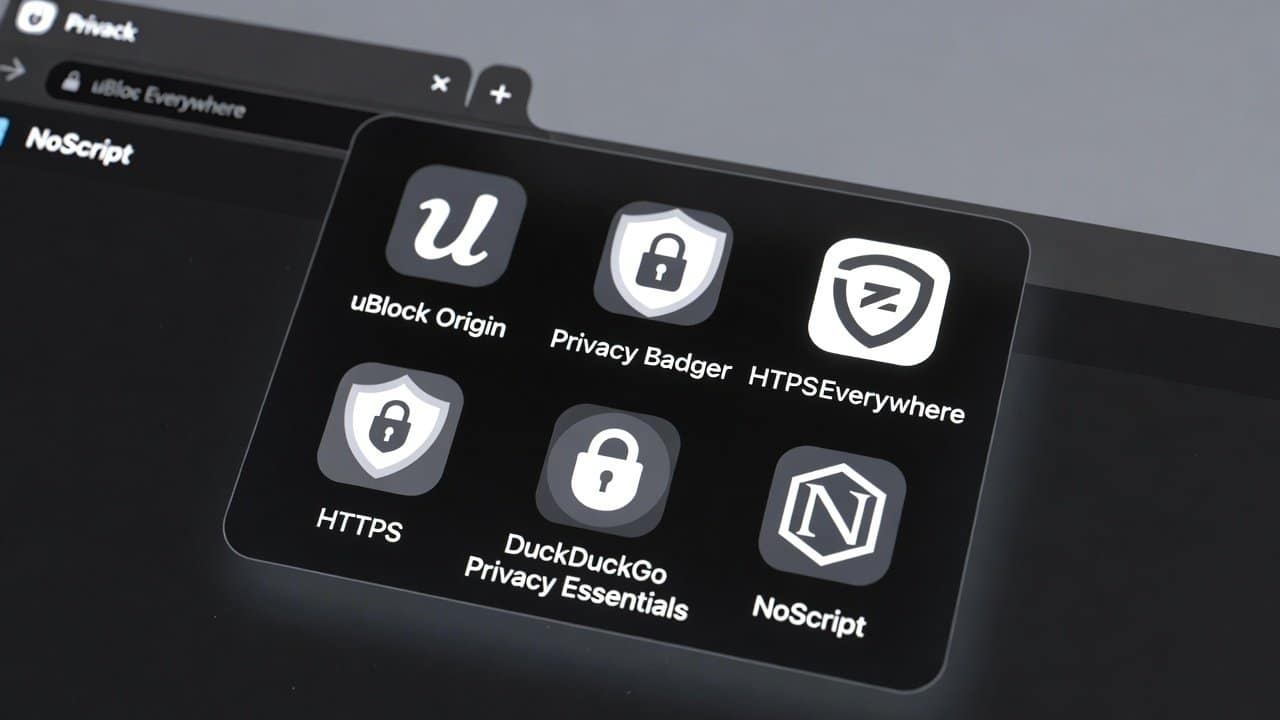
Many people share concerns about websites that monitor their complete online activity. Today’s digital environment poses various privacy risks, ranging from hidden cookies to aggressive data-collecting advertisers. Therefore, users can now protect their privacy with browser extensions, which offer an easy way to do so. These security tools exist to protect users from tracking while maintaining encrypted internet connections. This blog presents the top browser extensions that help users maintain their online privacy. Let’s get started.
Why Protect Your Privacy Online?
Websites gather information about your online behavior, including your location and personal preferences.
- Advertisers utilize this information to create targeted advertisements for you.
- Hackers use existing security flaws to obtain sensitive personal information.
In addition, both governments and internet service providers monitor online activities. Your digital identity becomes vulnerable to theft. Also, your personal information is accessed by unauthorized individuals. Browser extensions are your main protection against online dangers. The software operates without user detection to safeguard your personal data from disclosure. These tools enable you to control your online activities once installed.
Top Browser Extensions for Privacy Protection
The applications offer free access, a straightforward installation process, and excellent performance. Now, let’s dive into the best options.
1. uBlock Origin
- This software protects your web browsing by blocking ads, trackers, and malicious software.
- This application improves your web browsing speed by preventing unwanted scripts from starting.
- It provides protection against dangerous phishing websites.
- Users appreciate the extension because it offers lightweight performance together with customizable filtering options.
- This extension becomes functional after you install it through your browser’s extension store.
- This system maintains your internet browsing activities in a secure, private manner.
2. HTTPS Everywhere
- This application forces websites to implement secure HTTPS connections for all data transmission.
- This system prevents unauthorized parties from monitoring your internet usage.
- It automatically changes HTTP websites into their secure HTTPS version.
- The Electronic Frontier Foundation EFF created the tool as a reliable software solution.
- It enables users to browse the internet securely when connected to public Wi-Fi networks.
- It also protects users against man-in-the-middle attacks.
3. Privacy Badger
- This program uses machine learning to learn your online activities and block hidden tracking software.
- This system uses machine learning technology to identify and eliminate deceptive cookie tracking mechanisms.
- It prevents organizations from building your online user profile.
- The Electronic Frontier Foundation (EFF) also developed this tool.
- This application requires minimal installation, as users can start using it immediately after installation.
- This extension reduces your data collection while providing better protection for your personal information.
4. DuckDuckGo Privacy Essentials
- This service provides users with two security features by blocking trackers and offering a private search engine.
- This system protects your identity by hiding your IP address while encrypting your online searches.
- It also evaluates website security practices to determine their level of protection for user data.
- This feature enables users to set DuckDuckGo as their default search engine, providing additional security benefits.
- This software provides complete privacy protection, making it suitable for people who want to learn about online tracking protection.
5. NoScript
- This software blocks all JavaScript and other scripts to eliminate security threats.
- It allows only trusted websites to execute code, thereby protecting against security risks.
- This extension prevents attackers from executing cross-site scripting attacks and protects users from malware.
- It requires specific installation steps because it disrupts some online content.
- This program offers users a secure web browsing experience through its whitelist feature.
- This system delivers excellent security protection, helping users with advanced technical abilities.
Conclusion
In conclusion, using browser extensions allows users to protect their online privacy throughout their web activities. The extensions protect your system against threats while they encrypt your data and give you control over your operations. Privacy is a fundamental right that people should enjoy without having to pay for it. Installing these tools will enable you to browse the internet more securely. You will achieve secure browsing results by starting with our recommended extensions.














