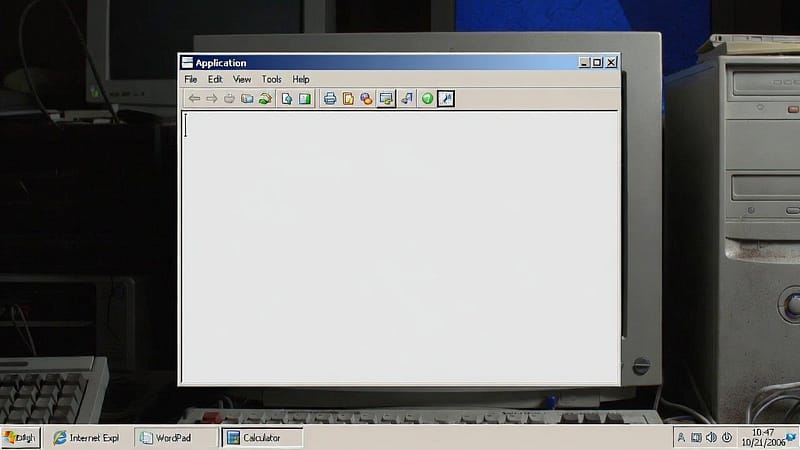
Do you own an old PC that’s struggling to keep up with modern software? If so, you’re not alone stuck in this problem. People who continue to use their old computers from years ago face performance problems due to modern software requirements.” But fortunately, lightweight Windows applications exist to restore functionality to these outdated computers. This blog explains the importance of these top applications while highlighting the best performers on older computer systems.
What Makes an App Lightweight?
The first step is to determine which elements define an application as “lightweight.”
- These applications require only basic system resources: RAM and CPU.
- They maintain efficiency by excluding unnecessary functions that would use excessive energy on your computer.
- They deliver fast load times and smooth ongoing operation as all processes run without interruptions or failures.
- These software programs are compatible with Windows XP, Windows 7, and Windows 8 operating systems on older personal computers.
- Users can access web browsing, document editing, and media playback capabilities without upgrading their computer systems.
- The products are available to all users because they provide no-cost access to their services.
Why Switch to Lightweight Options?
The latest versions of Microsoft Office and Chrome require excessive system resources, making them unsuitable for computers with outdated hardware. Your computer will either freeze up or take too long to start running. The lightweight solutions stop all nonessential features. Additionally, their main design objective is to achieve the highest level of operational efficiency. The method increases your working speed while helping your equipment function for longer.
Top Lightweight Apps for Old PCs
The following are lightweight Windows applications that work best on older computers.
1. Web Browsers
- Firefox ESR (Extended Support Release) offers better memory efficiency than Chrome.
- It supports Windows and can be installed from Mozilla’s website within minutes.
- Pale Moon is a Firefox fork that enables users with low-end hardware to access websites.
- It loads quickly, and its customizable features help maintain optimal system performance.
2. Office Suites
- LibreOffice functions as a no-cost replacement for Microsoft Office
- It enables users to create and edit documents, spreadsheets, and presentations while using fewer system resources.
- AbiWord is also a lightweight application.
- It is ideal for quick notes or basic document editing tasks.
- Notepad++ is also an extremely lightweight application that lets users create quick notes or perform basic document editing tasks.
3. Media Players
- VLC Media Player enables the playback of most video and audio formats while maintaining low system resource usage.
- It delivers seamless streaming capabilities and conversion tools that run smoothly on outdated computers.
- VLC Media Player plays most video and audio formats while maintaining low system resource usage.
4. System Utilities
- CCleaner removes unnecessary files from your system.
- It improves performance with its fast PC scan, which identifies and deletes non-essential files to free up additional storage space.
- 7-Zip is a file compression tool that delivers better performance than built-in Windows compression software by handling archiving tasks faster.
- Your outdated computer system operates at its best when it uses less CPU processing power.
5. Security Apps
- Malwarebytes provides effective system protection without slowing down your PC.
- Avast Free Edition provides effective system protection without impacting performance.
- Both systems execute background scans to identify security threats while they protect system integrity.
Conclusion
In conclusion, lightweight Windows applications enable outdated personal computers to run at performance levels that match modern computer systems. The system defines essential functions as primary tasks that must be performed with maximum efficiency and clear operation. The first two applications from this selection will yield better performance results. Your aging machine deserves a second chance. So, give it the tools it needs.