The battery health of iPhones needs to stay strong because it serves as a vital resource for millions of users. It is important for those who depend on their devices to handle work tasks, stay connected with others, and enjoy recreational activities. The basic guidelines Apple provides to users do not explain that battery life can decrease due to hidden usage patterns and extreme temperatures. Therefore, this blog will present additional tips that help users achieve longer device runtime, better system performance, and an extended product lifespan. The expert tips you will learn help you reduce expenses while maintaining flawless iPhone performance. Let’s dive in!
Tips for iPhone battery health
The following tips will help you maintain your iPhone battery health.
Avoid Extreme Temperatures to Protect Your Battery
- The device will suffer permanent harm whenever users subject it to extreme hot or cold temperatures.
- The battery of your iPhone will degrade more quickly when you leave it in a vehicle under high-temperature conditions.
- On the other hand, the freezing weather conditions will reduce system functionality.
- The iPhone requires storage in a dry, cool environment that needs protection from direct sunlight exposure.
- The user should take off charging cases that create heat build-up during the charging procedure.
- The procedure helps you achieve maximum battery performance while stopping unexpected device shutdowns.
Optimize Settings for Better Efficiency
- You need to activate Low Power Mode once your battery percentage reaches 20%.
- It’s done to reduce background operations, which will help your device run longer.
- The system provides two options for screen brightness control.
- These options are manual settings and automatic brightness functions.
- Users should disable location services for all applications except those that require location tracking because GPS technology drains battery power quickly.
- Moreover, users should disable push notifications for all applications that do not require immediate alerts.
- The system needs only these basic modifications to achieve significant improvements while maintaining all its existing features.
Charge Smartly and Use the Right Accessories
- The battery health of an iPhone depends on how it is charged.
- Apple only provides limited information about this relationship.
- The user should stop charging their device once it reaches full capacity to prevent overcharging.
- The recommended daily battery usage should be 80-90% to help reduce battery stress.
- Using non-Apple charging equipment results in performance issues; therefore, users should use original Apple chargers and cables.
- This setting protects the battery from overcharging and extends its operational lifespan.
- People should use fast charging technology only when necessary, as it can cause excessive heat and expansion.
Monitor and Maintain with Built-in Tools
- The battery health check tools Apple supplies for iPhones are rarely used by most users.
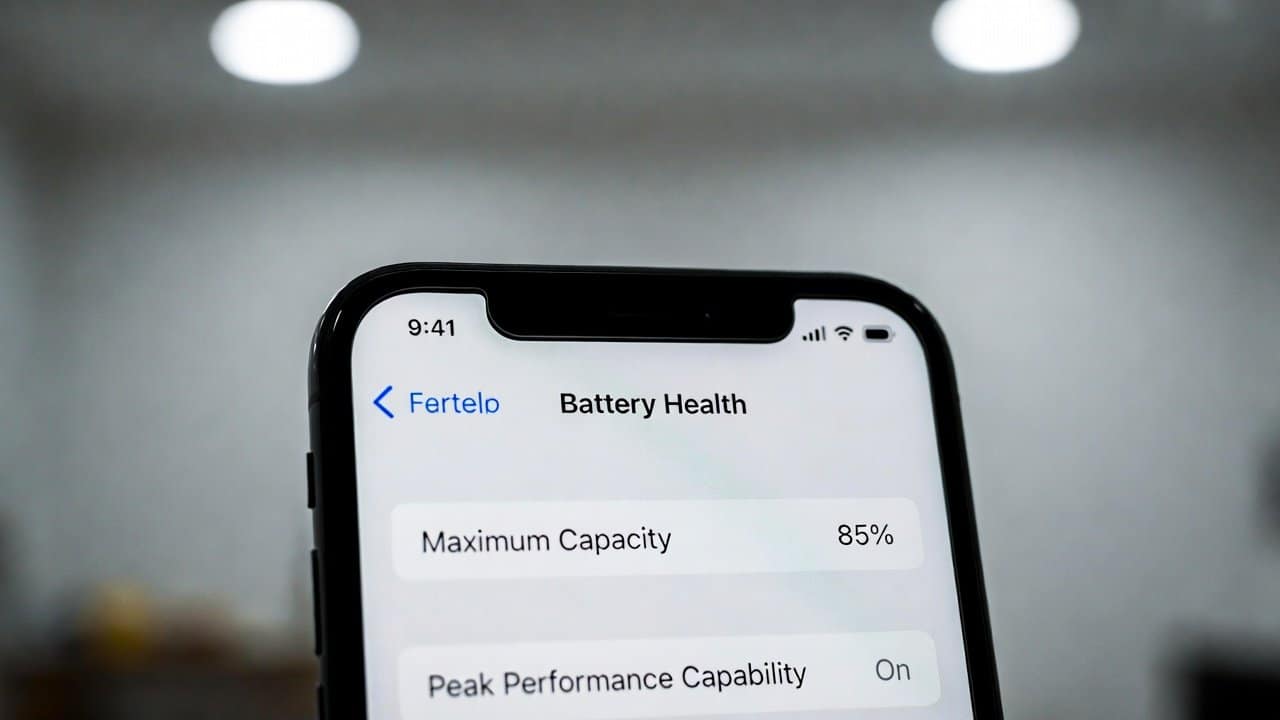
- The Battery Health feature in Settings allows users to check their device’s maximum capacity and current performance level.
- The battery needs to be replaced when its charge level falls below 80 percent.
- Users should test their battery performance by charging their device to full, using it until it shuts down, and repeating the process.
- The system uses this process to restore the battery meter, which delivers precise battery level information.
- Users should establish a routine of closing background applications since these programs continue to use battery power even when the user does not interact with them.
Conclusion
In conclusion, your iPhone battery health feature protects you from needing multiple battery changes, which improves your overall user experience. The tips that combine extreme avoidance, setting optimization, smart charging, and built-in tool usage will lead to better results. Also, Apple Support offers expert assistance if your problems remain unsolved.