People find the internet helpful because it makes their daily activities simpler. They use the internet for shopping, studying, working, chatting, and sharing their experiences with others. But on the other side, this online world brings dangers to its users too. Because of this, the frequency of hackers, scammers, and data breaches through fake websites has increased. Therefore, if people totally depend on the internet, then they should learn some internet safety tips. These simple safety tips provide protection for your online activities. So, let’s get started!
Internet Safety Tips
Users should follow the following given internet security tips to save their data.
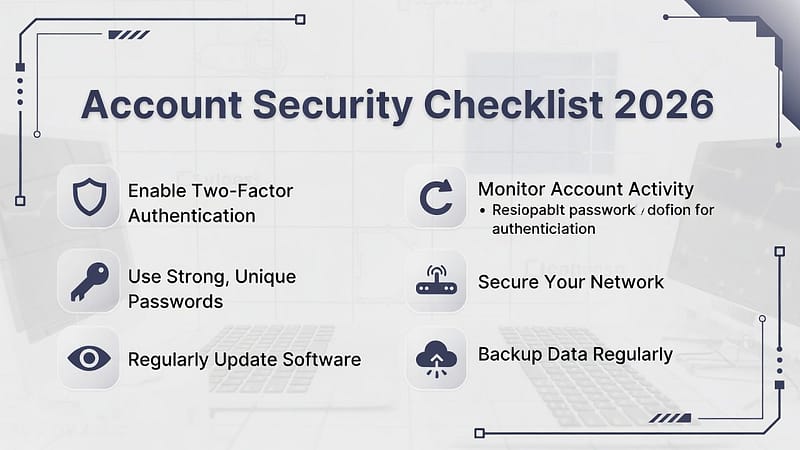
1. Use Strong and Unique Passwords
- First of all, weak passwords are one of the biggest security mistakes that people make.
- Therefore, always create strong passwords using letters, numbers, characters, and symbols.
- Also, never reuse the same password across multiple websites.
- This practice will help you in protecting your other accounts even if one account gets hacked.
2. Enable Two-Factor Authentication
- Secondly, two-factor authentication creates additional protection for users’ online accounts.
- Even if any hacker gets your password, they still remain unable to enter your account.
- It is because these scammers need to complete a second verification process to enter your account, and that can be done by them.
- Therefore, users should always enable two-factor authentication.
3. Be Careful with Links and Emails
- Thirdly, phishing scams exist in every online space.
- People should never click on any links that appear suspicious to them.
- Also, they should avoid opening attachments that come from any unknown senders.
- Always verify the sender’s email address even if the messages may appear authentic.
4. Keep Your Software Updated
- Fourthly, outdated software in your system contains security weaknesses.
- People should regularly update their operating system, browser, and all applications.
- These updates bring bug fixes and provide protection against new security threats.
5. Use a Secure Browser
- Fifthly, browsers serve as a primary access point to the World Wide Web.
- Google Chrome and Mozilla Firefox browsers provide users with effective security protection.
- To achieve this security, activate two security features from browser settings.
- The safe browsing
- phishing protection systems.
6. Avoid Public Wi-Fi for Sensitive Tasks
- Sixthly, public Wi-Fi networks are always open to security threats.
- Hackers can take data from these networks.
- Public Wi-Fi should not be used for online banking, shopping activities, or accessing important accounts.
- Wi-Fi should be turned off when it is not needed.
7. Think Before Sharing Personal Information
- Seventhly, sharing personal information through online platforms creates serious security threats.
- People should stop sharing their personal information, which includes their phone number, residential address, or any detail.
- Cybercriminals use this data to conduct scams and steal people’s identities.
8. Download Only from Trusted Sources
- Eightly, free downloads can have malicious software in them.
- Users should only download applications, files, and software from official websites and trusted application stores.
- Leave a website when it shows suspicious behavior.
9. Use Built-In Security Tools
- Ninthly, many devices provide their users with complimentary security protection.
- Windows Security functions as a protective measure against both viruses and malware threats.
- These tools require users to activate them and also ensure they maintain current software updates.
10. Log Out on Shared Devices
- Lastly, users should log out from their accounts when they are using them on a shared device.
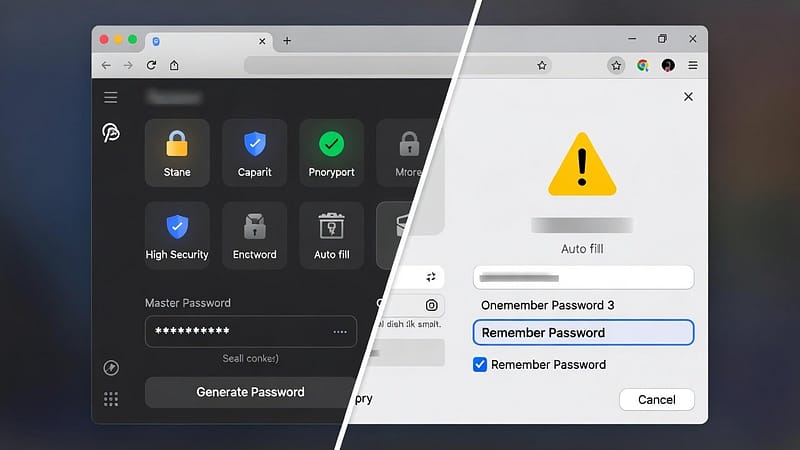
- They should also stop password storage when using public or shared computers.
- This tip will protect your personal information because it blocks unauthorized access by others.
Conclusion
In conclusion, people can follow these internet safety tips because they do not need advanced skills to do so. Internet protection requires people to use their understanding of safety tips together with their capacity to maintain protection. Users can improve their online security when they use strong passwords and stay away from dangerous links. Additionally, users should keep their software updated so that they can secure their personal data. So, what are you waiting for? Start using these recommendations right now.