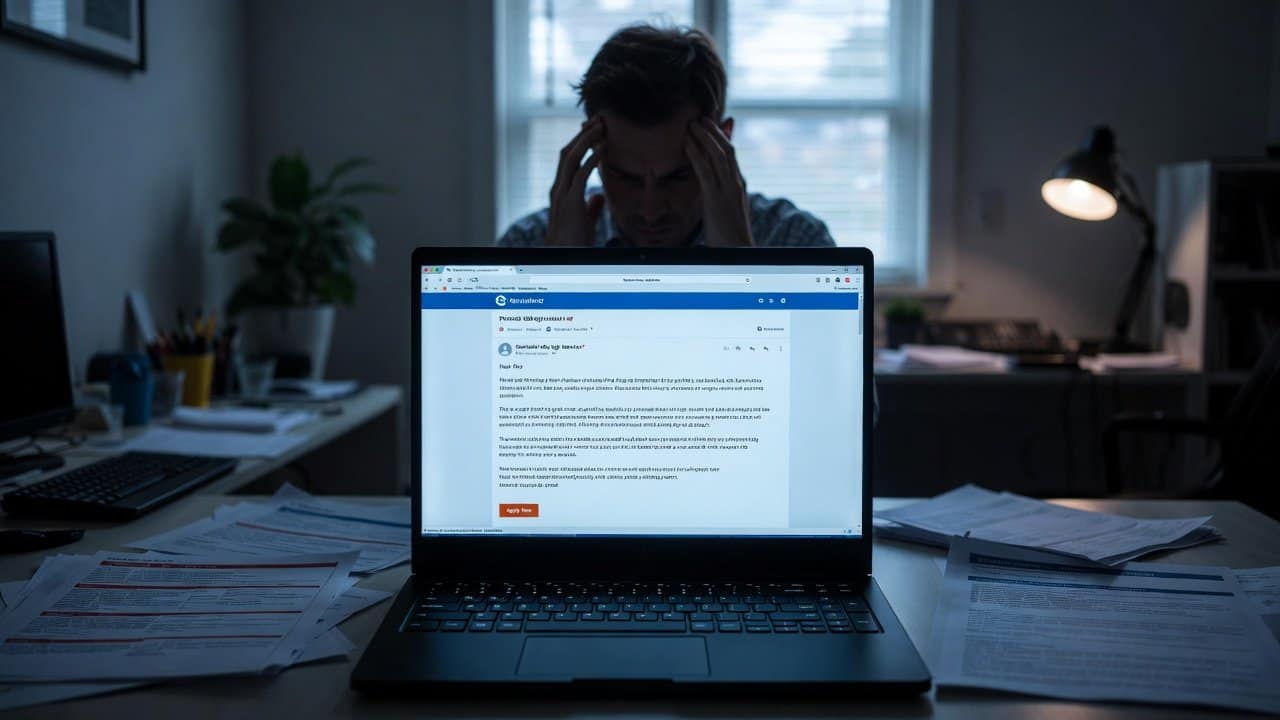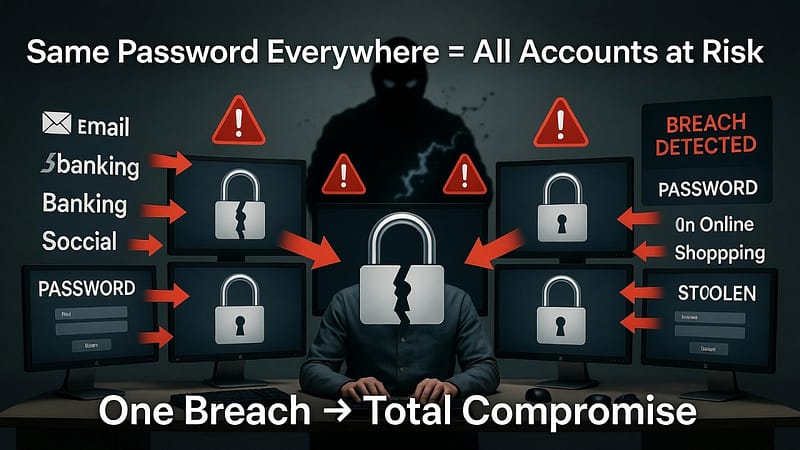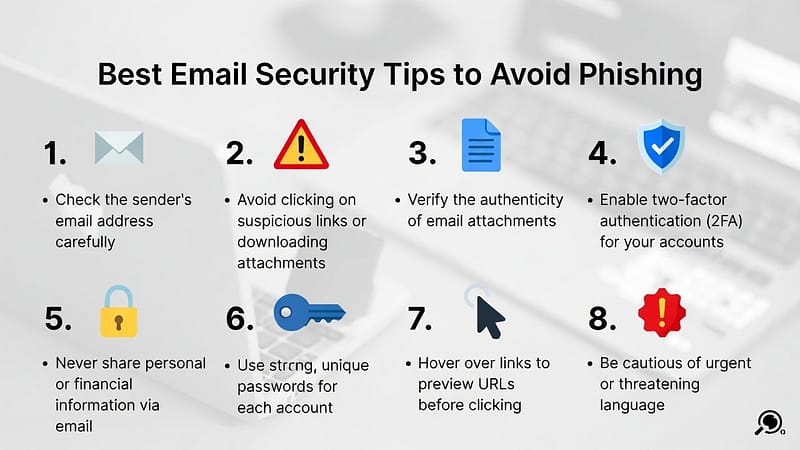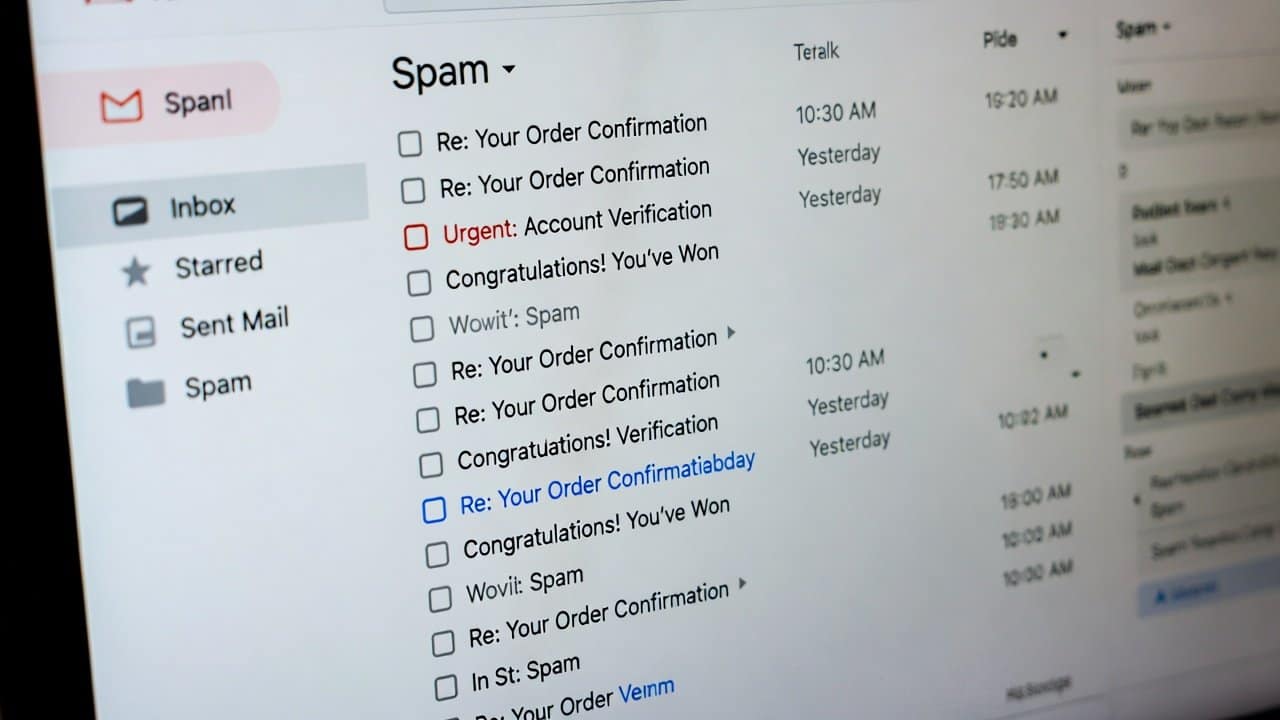
Are you tired of your Gmail inbox overflowing with unwanted emails? Or do you also fear checking your messages because you will only find promotions, scams, or irrelevant ads? Well, this situation is shared by many other people. The daily email spam problem affects millions of users. This issue occurs because it creates time-consuming problems and puts security at risk. To deal with this situation, apply the correct methods, which will help you achieve permanent protection against email spam. This blog will present effective methods to help you take back control of your email inbox. So, let’s start and see the best steps to avoid the email spam problem.
What Is Email Spam?
Before jumping into the solution, first, you need to understand the definition of email spam. Spam refers to uninvited messages sent in bulk to distribute marketing content, phishing schemes, and malicious software. These emails create an overwhelming situation in your inbox. These emails contain dangerous links that could result in identity theft if you interact with them. To avoid this risk, it requires to take proactive actions, which will help decrease or completely remove them from existence. The solution process requires you to begin with an evaluation of your current email practices.
Steps to Stop Email Spam
You can follow the steps below to stop email spam.
Step 1: Enable and Optimize Spam Filters
- Start using the built-in tools that your email provider offers.
- Gmail and Outlook provide strong spam protection, which automatically identifies and blocks unwanted messages.
- Users should activate all available filters while adjusting them to meet their specific requirements.
- Users should mark doubtful messages as spam, as this helps the system learn to identify real spam.
- Users should check their spam folders regularly to find genuine messages that might have been mistakenly classified as junk.
- This method functions as a basic spam control measure because it decreases unwanted messages by 90% of the total volume.
Step 2: Unsubscribe Wisely from Mailing Lists
- The proper method to handle current spam problems requires users to unsubscribe from content they do not want to receive.
- The unsubscribe link at the bottom of emails should be used to stop receiving emails instead of deleting the messages.
- The user must click the link, then follow the provided steps to complete their subscription cancellation.
- Unrequested emails should be treated with caution because their links might lead to dangerous websites.
- Users should create a separate email account that they will use exclusively for receiving newsletters so their main inbox remains organized.
Step 3: Protect Your Email Address from Exposure
- The best way to protect yourself from this problem is through preventive measures.
- You should limit where you share your email address in order to protect yourself from receiving new spam.
- Keep your primary email address private and use a different email account for all online registration purposes.
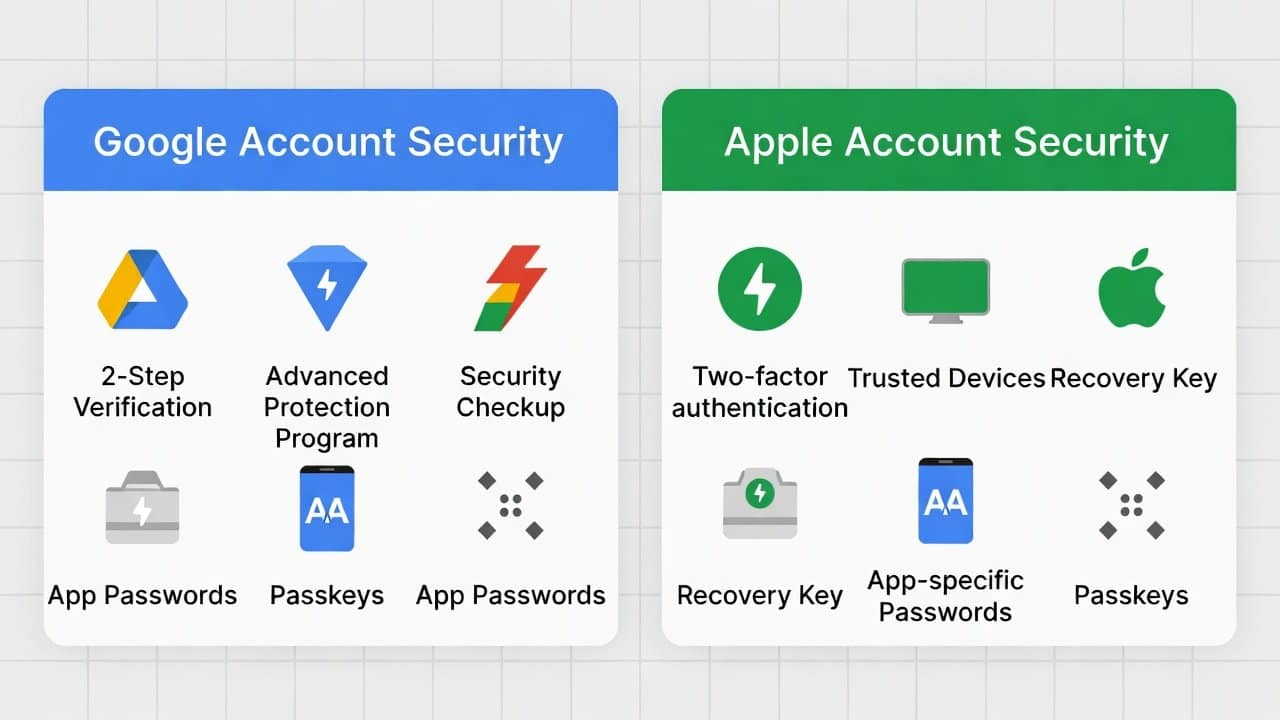
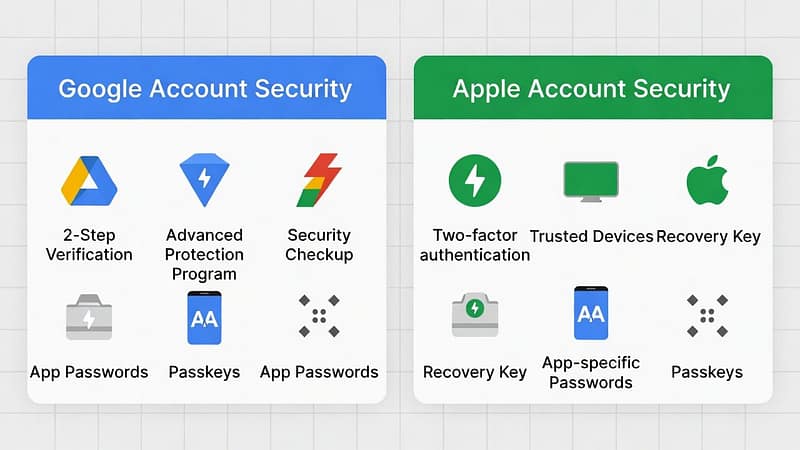
- Your accounts will become more secure when you activate two-factor authentication.
Step 4: Use Advanced Email Management Tools
- Third-party tools increase your defensive abilities.
- Applications like Clean Email and SpamTitan perform scanning to block spam emails before they reach your inbox.
- The tools use artificial intelligence to detect patterns and eliminate dangerous threats.
- Public Wi-Fi networks require users to use VPN services because these tools protect their data from potential interception.
- The combination of these tools provides a long-lasting solution because their systems can evolve to counter new spam methods.
Step 5: Stay Alert and Educate Yourself
- Stay alert for emerging security threats.
- People should learn about phishing scams by recognizing the signs of danger.
- People should report suspicious spam to organizations like the FTC, which handle such cases.
- People need to update their email software because this process helps to fix security holes.
- You can achieve a spam-free inbox through constant monitoring of incoming messages and implementing these measures.
Conclusion
In conclusion, permanently stopping email spam requires dedicated effort but offers benefits that make the effort worthwhile. Your inbox will improve when you apply these steps, which include optimizing filters, smartly unsubscribing, protecting your address, using tools, and maintaining alertness. A clean email environment helps to improve both productivity and security. So, start your journey to permanent spam elimination right now.