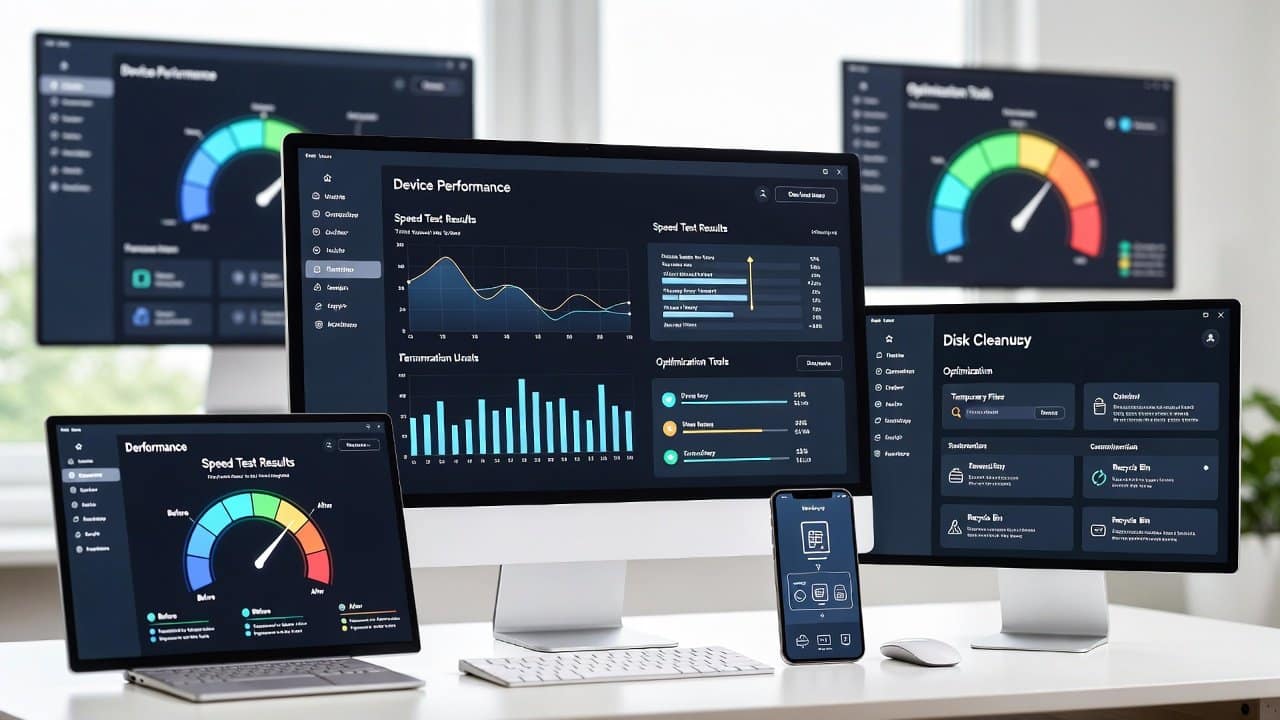
Do you ever stare at your screen, waiting for apps to load or files to open? If yes, then you are in the right place to get a solution for this problem. Because of this problem, your device’s unresponsiveness makes it impossible to complete even basic tasks. Therefore, users can apply some amazing techniques to boost performance and speed up devices, including computers, smartphones, and tablets. This blog offers effective tips to improve your device’s performance. So, let’s get started!
Tips to Speed Up Any Device
Start with Basic Maintenance
- You need to delete all unneeded files and applications from your device.
- The computer has a native disk cleanup feature that users can access to delete all nonessential files.
- Users can access the settings menu on their smartphones to delete applications that they no longer need.
- The system requires users to empty their recycle bin or trash regularly to ensure optimal performance.
- Users should restart their devices one time every week to remove all temporary memory data and shut down running applications.
- Users should also activate automatic updates for their operating system.
- This feature provides performance enhancements through system updates.
Optimize Software and Settings
- Close all active programs and browser tabs so you do not need to conserve system resources.
- Open the Task Manager by pressing Ctrl+Shift+Esc, and terminate all tasks that do not serve any purpose.
- People need to use the app switcher function on their phones to eliminate all open applications.
- System load time will decrease, and system performance will increase by disabling startup applications.
- Open Task Manager and navigate to the Startup tab to disable programs that you do not want to run at startup.
- Access System Preferences, and then choose Users & Groups, and finally Login Items on macOS.
- The user should review their browser extensions to determine which to keep and which to uninstall.
- The user should regularly clear their browser cache and cookies.
Hardware Upgrades and Adjustments
- Adding extra RAM to a computer system enables it to handle multiple tasks simultaneously more effectively.
- The solid-state drive (SSD) serves as a better storage solution than traditional hard drives because it enables faster data retrieval.
- Users should seek assistance from an expert when they need to upgrade their hardware but lack technical knowledge.
- Mobile device users can create additional storage space by transferring their photos and videos to cloud services such as Google Drive and iCloud.
- You should maintain proper ventilation for your device by keeping vents open.
Advanced Tips for Power Users
- Windows users should defragment their hard drives, but this process is unnecessary for SSDs.
- Antivirus software should be used to conduct system scans.
- The antivirus software will detect and eliminate malware that causes performance issues.
- Users should switch their power settings to high-performance mode, as it delivers better performance than the standard option.
- Users should activate developer options on their smartphones.
- They should also restrict background app refresh to stop apps from running without their knowledge.
- Users should perform a factory reset only after completing their data backup.
Conclusion
In conclusion, using these tips can speed up any device. These tips help your gadget run at its highest speed. Users achieve better daily performance by clearing unnecessary items. Implementation of these methods will start to eliminate all your annoying wait times. Device performance maintenance needs to be done regularly to ensure its efficiency. So always check and maintain your system speed and performance.