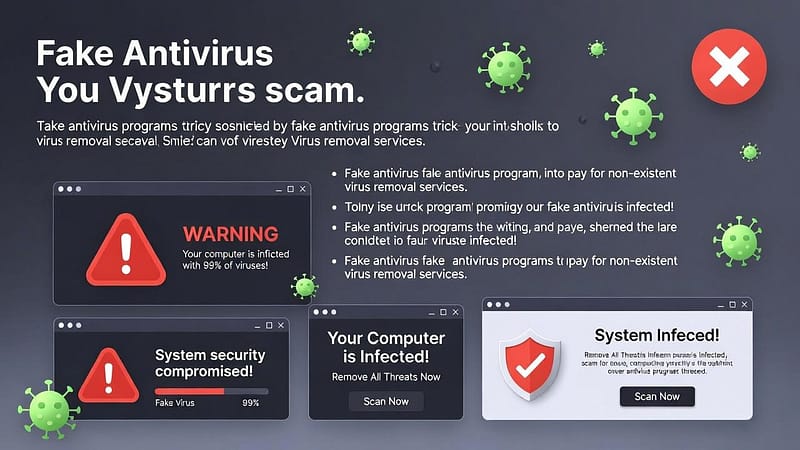
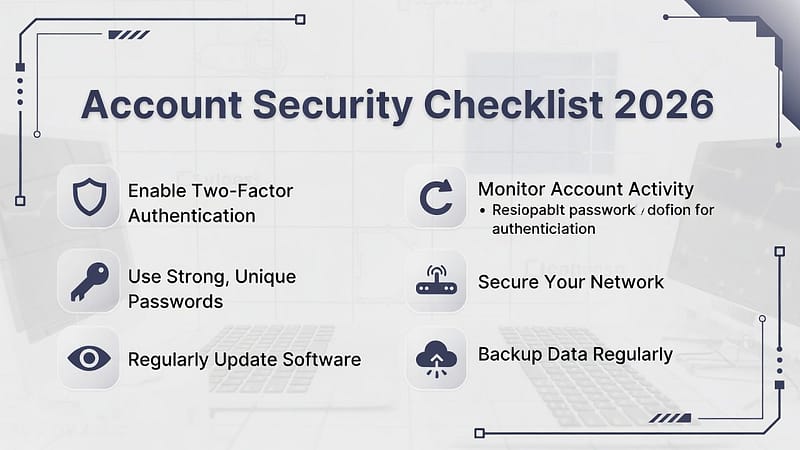
In today’s digital world, smartphones carry your most private information. Your phone stores all your data, including photos, messages, and banking applications, along with your passwords. That is why learning how to secure your iPhone from hackers is becoming more important than ever. Although iPhones are known for strong security, no device is 100% safe. Hackers develop new methods to breach systems. Therefore, in this blog, we will provide some smart steps that you can use to enhance your iPhone’s security. So, let’s dive into it!
Some Smart Steps to Secure Your iPhone
The following steps will help you in securing yourself from any hackers and any cybercriminals.
1. Always Keep Your iPhone Updated
- Firstly, software updates are essential for your iPhone systems.
- Apple provides security updates through its software updates, which protect against new security threats.
- Open Settings, go to Select General, then Software Update to obtain the most recent version of the software.
- Even minor updates have the ability to resolve significant security vulnerabilities.
- Therefore, you should always pay attention to update notifications.
2. Use a Strong Passcode and Face ID
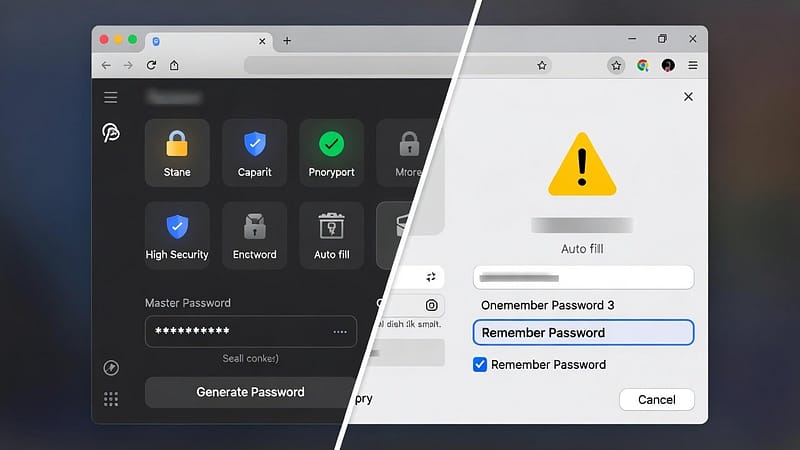
- Secondly, security experts recommend not using weak passcodes that allow hackers to access secure systems.
- Users should create strong passcodes that use both numbers and letters instead of using basic codes such as “1234”.
- Users should activate Face ID or Touch ID because these features provide additional security.
- This will prevent unauthorised access to their devices.
3. Turn On Two-Factor Authentication
- Thirdly, two-factor authentication (2FA) requires users to complete an additional authentication process.
- It is required at the time when they attempt to access their Apple ID.
- It prevents unauthorised access because password theft does not provide sufficient access for attackers.
- You can enable this feature from Settings.
- Open settings, go to Apple ID, and then select Password & Security.
- It provides protection against the majority of hacking attempts that target user accounts.
4. Be Careful with Public Wi-Fi
- Fourthly, public Wi-Fi networks create security dangers because hackers use them to conduct data theft.
- Users should stay away from banking applications and password entry when they connect to public Wi-Fi networks.
- Also, users should secure their networks by turning off Wi-Fi when they are not using it.
- This allows users to maintain their personal information security through this basic routine.
5. Download Apps Only from the App Store
- Fifthly, apps that come from unverified sources contain the possibility of dangerous software.
- The official App Store serves as the only reliable source for application downloads.
- Users should read app reviews and verify permission requirements before they install any application.
- Avoid an application when it requests permissions that it does not require to function. This security step protects your iPhone from hidden security weaknesses.
6. Review App Permissions Regularly
- Sixthly, many apps request access to your camera, microphone, or location.
- However, not all of them need it.
- Check app permissions by going to Settings and selecting Privacy & Security.
- Disable app access to your device for all applications that do not require it.
7. Enable “Find My iPhone”
- Lastly, the hackers will attempt to reach your personal information when your phone gets lost or stolen.
- You can use “Find My iPhone” to find your device while also locking it and deleting its contents from a distance.
- Open Settings, go to Apple ID, and then select the “Find My iPhone” option.
- This feature will protect your data during emergency situations.
Conclusion
In conclusion, learning how to secure your iPhone from hackers requires no technical efforts or knowledge. You can just achieve effective data protection through simple steps. Always maintain regular updates, use strong passwords, and make smart app choices. So, start using these given steps to ensure your iPhone and your privacy will remain protected.