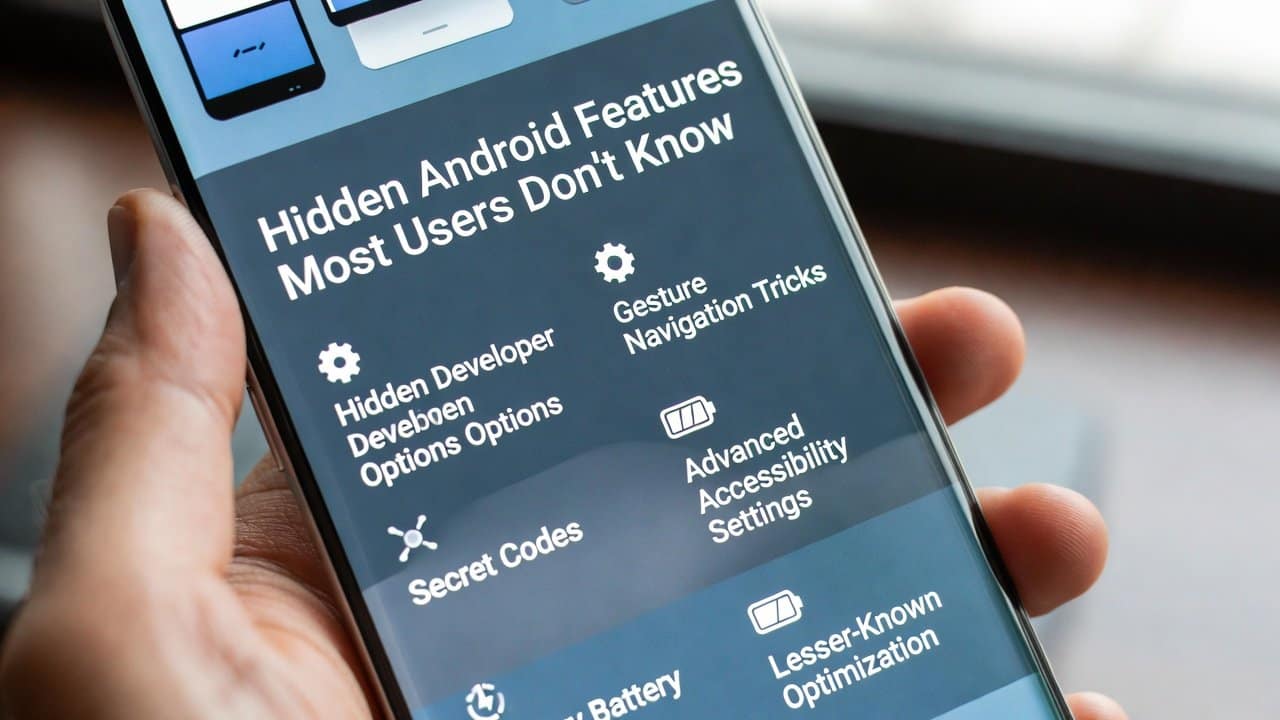
Do you own an Android phone? If yes, then you probably use it every day for its abilities, application software, and internet browsing functions. The Android system contains multiple hidden functions that provide users with beneficial tools for their daily activities. These hidden features of Android remain unknown to most people, yet they enhance user productivity and enjoyment. In this blog, we will reveal some amazing hidden Android features that most users miss. So, prepare yourself to discover all the hidden abilities of your phone.
Hidden Android Features
Here are the most amazing yet hidden features of Android you should know.
1. Split-Screen Multitasking
- Split-screen helps you run two apps side by side on your screen for efficient multitasking.
- Open one app and tap the recent apps button to start.
- Long-press the app icon at the top and select “Split screen.”
- Then drag another app to the other half of the screen.
- This feature allows people to watch videos while texting.
- It enables users to finish their work more rapidly while their productivity levels rise.
2. Guest Mode for Privacy
- Users who activate guest mode can share their phone with others while keeping their personal information secure.
- They need to access Settings, then select System and choose Advanced.
- They can select multiple users to create a guest account.
- Users can enable guest mode whenever they need to safeguard their private data.
- This feature protects your applications, pictures, and text messages from unauthorized access.
- It works perfectly when you need to share your phone with friends or family.
3. Customizing Quick Settings
- To do this, swipe down from the top of the screen to open the notification shade.
- The pencil icon enables users to create new shortcuts and edit existing ones.
- Select your preferred options, which include flashlight functionality, screen recording, and data saver mode.
- Users can arrange tiles according to their personal requirements.
4.Emergency SOS Feature
- This feature sends emergency alerts while contacting emergency services when it detects danger.
- Set up the system in Settings, which includes the Safety & Emergency section.
- Activate the system so users can choose their emergency contacts.
- Press the power button five times in quick succession to start the device.
- This feature contacts emergency numbers while sending your current location information.
- It delivers safe protection during dangerous events.
5. Built-in Screen Recorder
- Built-in Screen Recorder records your screen without any additional applications.
- The screen record tile needs to be added through Quick Settings after you swipe down.
- The recording process begins when you tap the button.
- This feature enables users to record their gameplay, tutorial videos, and software bugs with minimal effort.
- The notification panel provides the option to end the recording.
6. Do Not Disturb Mode
- With this mode the user can mute all notifications except for vital phone calls.
- Open Settings, then choose Sound, then Do Not Disturb.
- This feature allows users to create exceptions for their most important contacts and for people who call them multiple times.
- The system operates across both business meetings and sleep periods.
- The system allows users to keep their focus intact while they receive critical notifications.
7. Manual Camera Mode
- Users can enhance their photography skills by using manual camera mode, which provides advanced control.
- You can access the camera application by opening it and swiping to the “More” or “Pro” mode options.
- Users can control ISO, shutter speed, and focus manually.
- This feature enables users to capture beautiful images during nighttime conditions.
- This application turns your mobile device into a compact digital single-lens reflex camera.
Conclusion
In conclusion, these hidden Android features will completely change your mobile phone usage. These features enhance your daily activities. They offer greater convenience, security, and creative options. They provide many advanced functions that make your Android experience much better. You can test these features now to uncover additional features. So, pick up your Android phone and search for these ultimate hidden features.