In this fast-paced society of technology, Android devices experience a lot of battery drain problems.These problems occur because their installed applications and device functions require extreme power. Also, problems like system shutdowns can cause user frustration because people do not understand why they exist.Therefore, the development of advanced processors together with AI technology requires users to learn how to optimize their device settings.This optimization is planned to improve battery performance by 2026.This blog will provide an effective setting for 2026 Android devices.These settings include display settings, network connection settings, and many more. So, let’s dig in!
Best Android Settings
The following are the best Android settings to improve your mobile’s battery life.
Optimize Your Display Settings
- The display on your device drains the battery excessively.
- To avoid this, users can adjust screen brightness manually or choose adaptive brightness.
- Adaptive brightness will automatically adjust brightness based on surrounding light conditions.
- Moreover, the screen timeout duration should be set to 30 seconds or less.
- Furthermore, users should activate dark mode and select dark wallpapers for their OLED displays.
- These settings consume less energy when displaying dark content.
- By applying these new settings, users can extend their battery time by 20 percent.
Manage Apps and Background Processes
- Background apps consume more battery power.
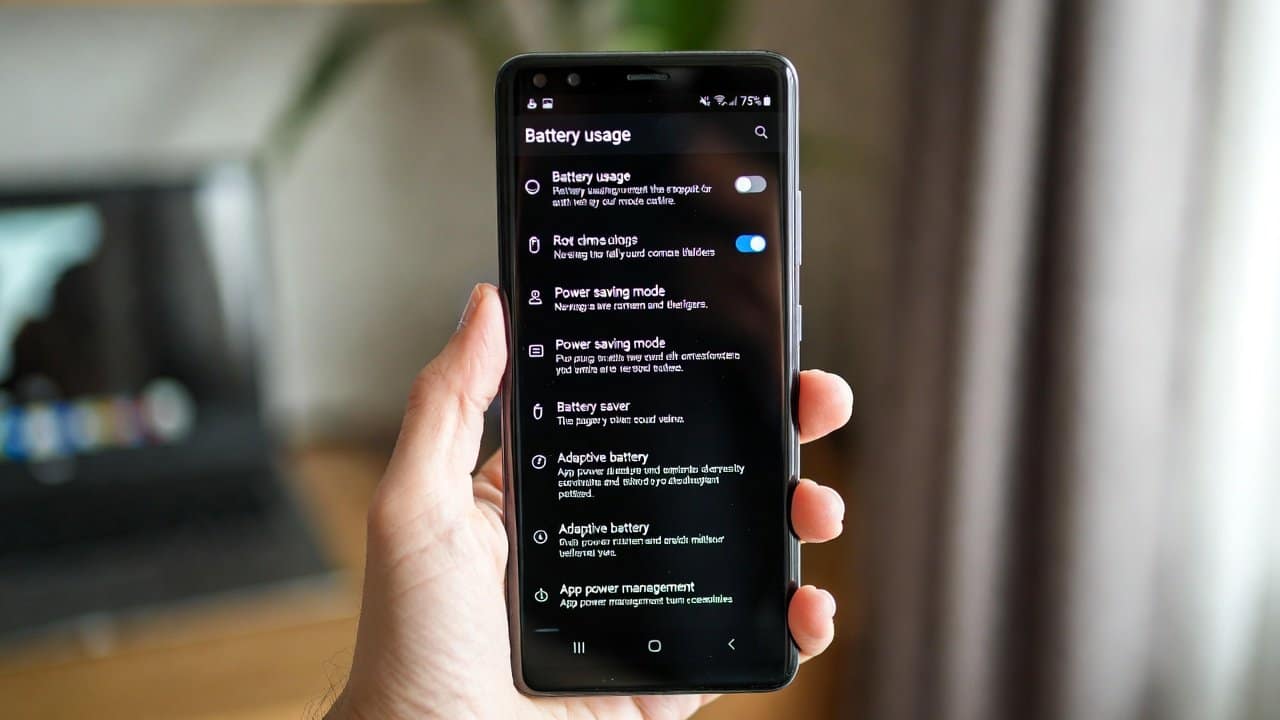
- To overcome this problem, users should examine their battery settings to view usage graphs.
- Users should remove all unnecessary applications by force-stopping them.
- Moreover, users need to limit the background processes running in their applications.
- Additionally, users should activate battery optimization for their applications.
- Furthermore, the system performance will improve when users remove all apps they do not use.
Leverage Battery Saver and Adaptive Features
- These smart modes are part of the Android 2026 system.
- The system will enter Battery Saver mode when the battery level drops below 15%.
- However, this will reduce system performance and screen brightness.
- The system uses Adaptive Battery to track user behavior and limit power consumption for applications the user does not use.
- The system allows users to activate Doze mode, which will function during their idle periods.
- The AI tools focus on essential features to extend battery life.
Fine-Tune Connectivity and Hardware
- Wi-Fi and Bluetooth, together with GPS, use more battery than others.
- Users should turn off Wi-Fi scanning and activate airplane mode when in areas with weak signal strength.
- Users should select ‘Battery saving’ mode in their location settings.
More Tips for Long-Term Battery Health
- Update software for optimizations.
- Avoid extreme temperatures.
- Charge to 80% daily.
- Use fast charging sparingly.
- Monitor battery health to detect issues early.
80/20 Battery Rule
The 80/20 rule is recommended for people who charge their phones to 80% instead of 100%.This method helps protect battery health.The lifespan of lithium-ion batteries decreases when repeatedly charged to full capacity, so charging to 80% reduces wear and extends their longevity.Therefore, you should not let it drop below 20% power too often. Combining this approach with moderate charging habits helps maintain optimal battery health.
Charging an Android Phone 5 Times a Day
You can charge your phone multiple times throughout the day as long as you follow proper charging methods.
- The original charger should be used because it provides protection for your device.
- You should charge your device in short intervals instead of complete charging cycles.
- You should avoid charging your device in extremely high temperatures.
- Also, exposing your device to extreme heat while charging can damage its battery
- Modern batteries support multiple charges throughout the day, yet users must check for excessive heat build-up.
- The 80/20 rule will help you achieve better health results when you practice it.
Conclusion
In conclusion, users should optimize their Android device settings in 2026 to achieve better battery performance. Begin by adjusting display settings, controlling your apps, and using Battery Saver and other intelligent tools.The process requires you to optimize your network connections while implementing permanent solutions that adhere to the 80/20 rule. Implementing these changes will allow you to use your device for extended periods while reducing your frustration.