

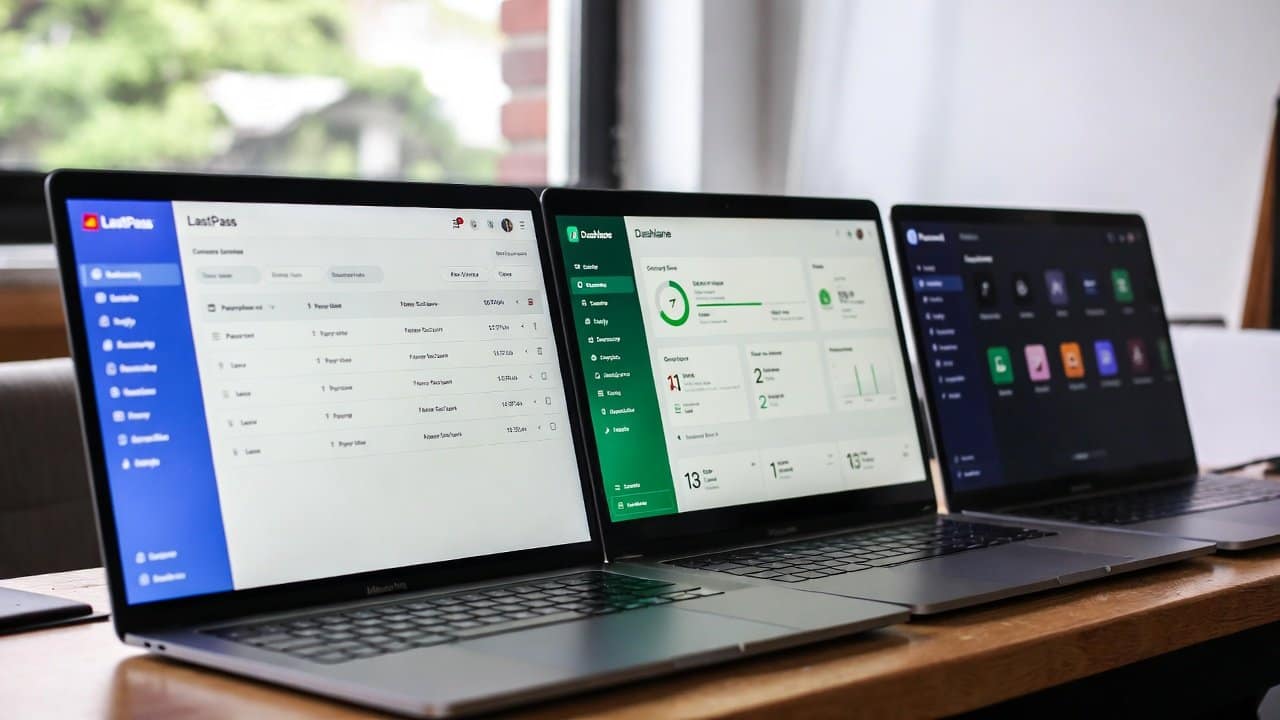
People today manage multiple online accounts. This includes their email and banking accounts, as well as their social media and shopping sites. However, many people still use weak passwords or repeat them across different sites, which leaves their data exposed to hackers. The solution to this problem lies in password managers. They create secure passwords, and users need to remember only one master password to access their stored passwords. In this guide, you will see different password managers with a comparison, so that it will help you in your decision-making process. So, let’s dive in.
Why Do You Need a Password Manager?
Before you start comparing different password managers, first take a look at what the password manager is. Cyberattacks occur daily because hackers use weak passwords as their primary method to gain system access. Therefore, a password manager provides secure encryption for your information, enabling automatic login through its autofill functionality. Furthermore, a password manager not only detects security threats but also generates advanced passwords. These passwords combine letters with numbers and special characters. The transition from manual password management to using this software tool improves efficiency and enhances protection.
Top Password Managers Compared
The following are the top password managers and their features, so you can clearly see how they compare.
1. Bitwarden
- Bitwarden offers users two distinct options through its free level and its open-source software.
- The service provides users with unlimited password storage together with safe sharing capabilities.
- Users appreciate it because it provides strong protection through its encryption and works on multiple platforms.
- The free version of the software provides users with basic security features but does not include advanced dark web monitoring capability.
- The basic version is free, while premium access costs $10 per year.
- The service provides an ideal solution for users who want to save money while maintaining their security needs.
2. LastPass
- The user-friendly interface, combined with LastPass’s strong security, has made it a popular choice for several years.
- The software provides users with three main features, which include password generation, autofill, and emergency access.
- The premium version costs $3/month and offers multi-device sync, but the free plan has limited features.
- The company has made security improvements, but its previous security breaches remain a security risk.
- The product works perfectly for families who require shared access to their lockers.
3. 1Password
- The system provides excellent performance through its two primary strengths: maintaining user privacy and delivering excellent design.
- The system implements end-to-end encryption to protect your data.
- The application provides a travel mode feature that enables users to keep their personal information secure.
- The application works perfectly with all web-based applications and all physical devices.
- The system enables users to store their documents in secure, protected storage areas.
- The program costs $3 per month, which makes it more expensive than some alternatives, but it delivers excellent features.
- The service requires users to pay for access because it does not offer a free plan.
4. Dashlane
- Dashlane delivers its services through an intuitive interface designed to provide clear yet intelligent solutions.
- The system automatically replaces weak passwords while monitoring dark web activities.
- The free plan offers a significant benefit because it allows users to protect up to 50 passwords.
- The premium plan provides unlimited storage access for a monthly fee of $5.
- Users appreciate the integrated VPN functionality.
- Some users believe that the interface contains too many elements.
- The software serves as an ideal solution for people who want to begin using it.
5. NordPass
- The NordVPN development team created NordPass, which uses a zero-knowledge security framework.
- The system offers password health assessment features along with biometric authentication capabilities.
- The free version of the software offers strong, reliable functionality.
- The premium version costs $2 per month and unlocks additional features for users.
- The application is lightweight while providing users with rapid access to its features.
- The product offers a smaller range of capabilities than some other products on the market.
- The application serves users who need a straightforward password management solution.
Key Considerations to Follow
- Two-factor authentication (2FA) should be enabled on all accounts.
- It adds an extra layer of security that requires a code from your mobile device or an authentication app.
- Users must create unique, strong passwords for their websites and manage them with a password manager that generates and protects them.
- Users must keep their software and devices up to date because this will help them eliminate security vulnerabilities.
- Users should stay away from public Wi-Fi networks when they perform sensitive activities.
- They should use virtual private networks (VPNs) to protect their internet traffic.
- Users should monitor their accounts for any unusual behavior and change their passwords after discovering any security issues.
Conclusion
In conclusion, using a password manager will improve your online security. The system secures your accounts against unauthorized entry while making them easier to access. Instead of letting hackers access your passwords, store them securely in your password manager. So, start today by choosing one of the options above.














